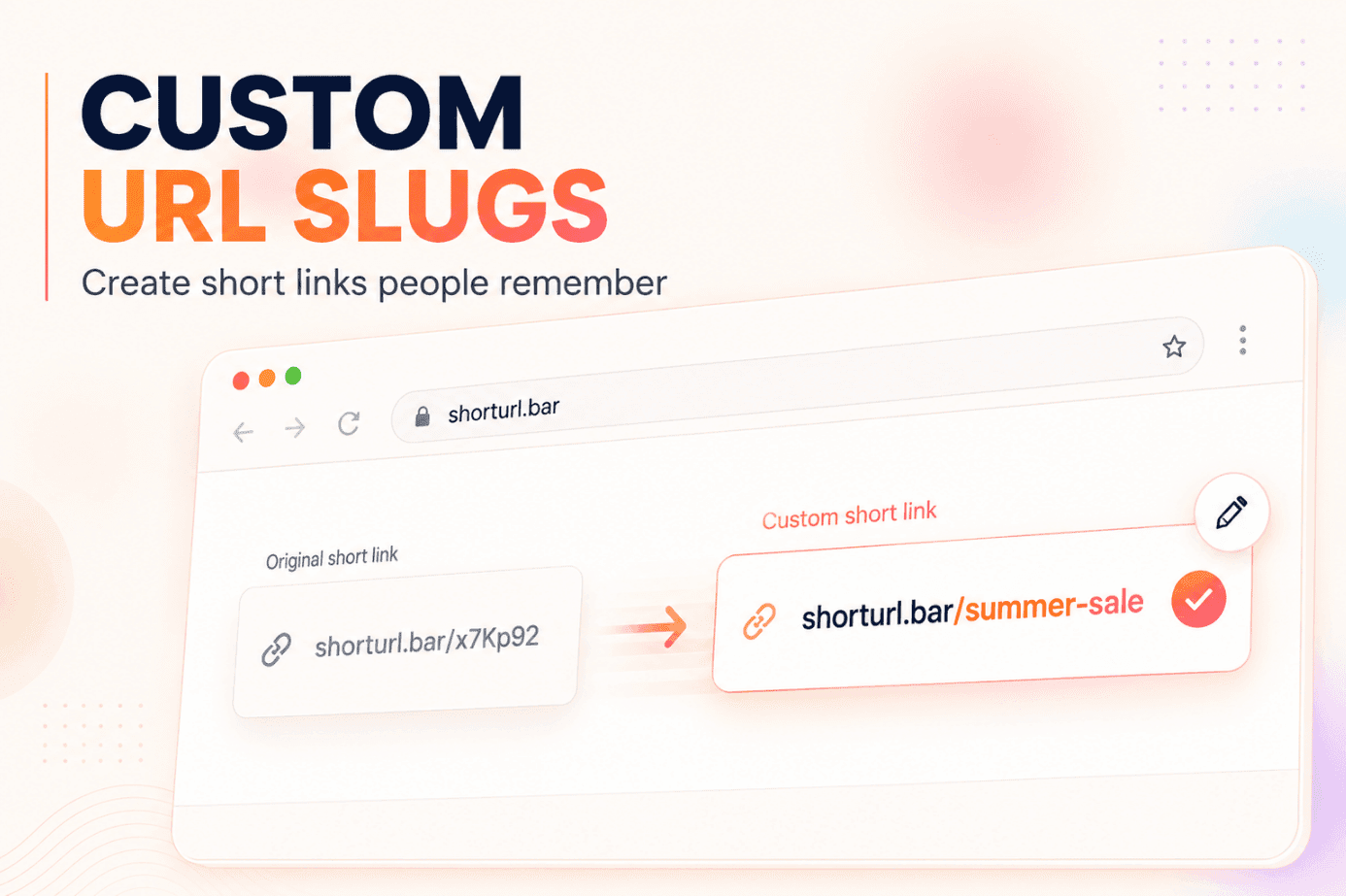
shorturl.bar/x7Kp92shorturl.bar/summer-saleWhich one would you feel more confident opening?
A custom URL slug replaces an automatically generated string with a clear word or phrase chosen for a specific page or campaign. ShortURL helps marketers, founders, agencies, and small businesses turn long destination URLs into recognizable links that are easier to read, share, track, and remember.
The answer is fairly simple: choose a short phrase that tells people where the link leads. Remove filler words, separate words with hyphens when needed, check the spelling, and avoid details that will quickly become outdated.
That small naming decision matters. Rebrandly reports that recognizable branded links can receive up to 39% more clicks than generic links. The platform also reports serving 1.5 million customers worldwide, which shows how widely intentional link branding is now used in marketing workflows.
A readable slug won’t rescue a weak offer. But it can remove uncertainty before the click, especially when a link appears without much surrounding context.
Why Random Short Links Create Friction
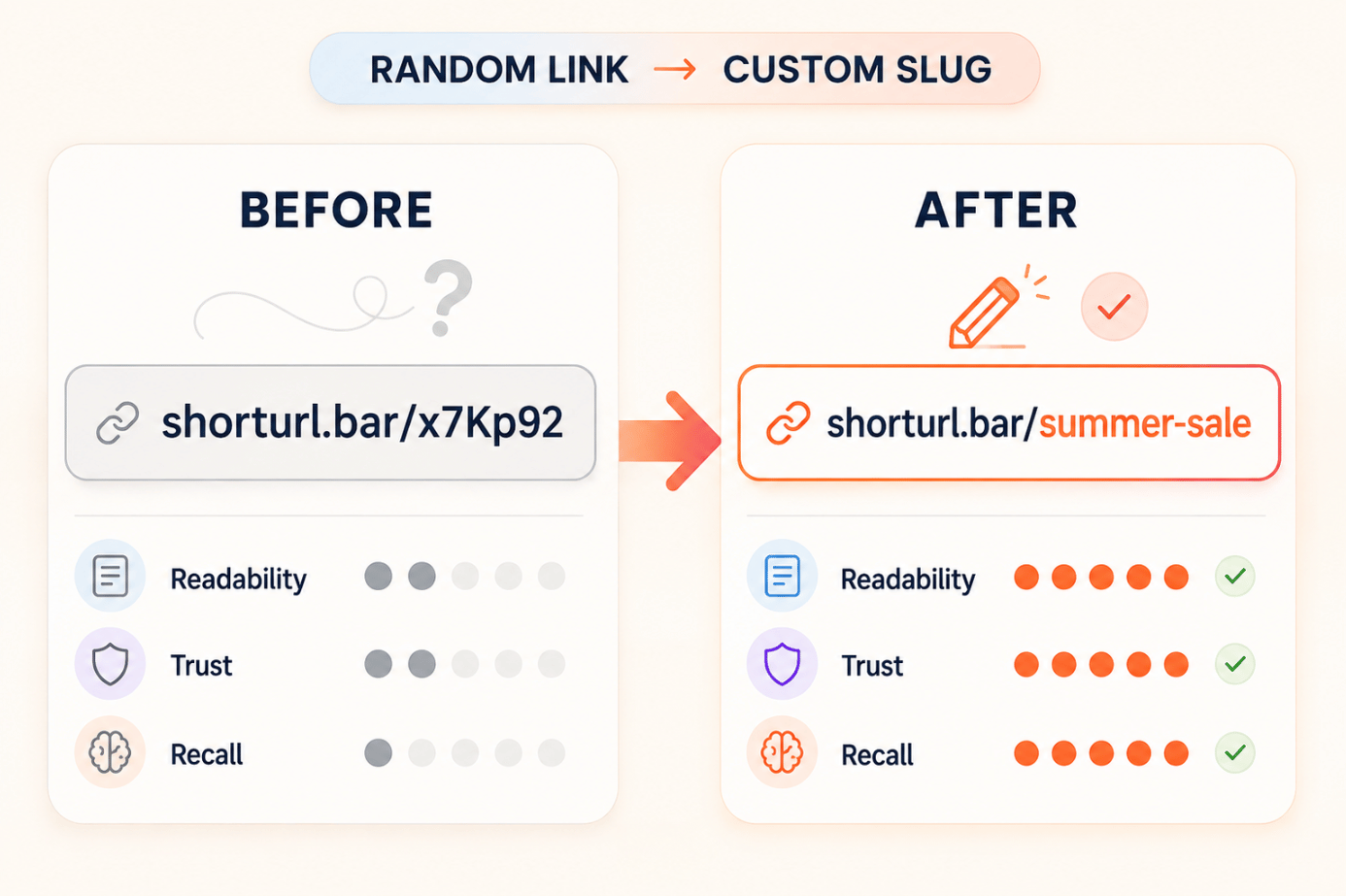
Random characters are useful to software because they can be generated instantly and kept unique. They’re less helpful to the person receiving the link.
A customer can’t tell whether /k4P9zx leads to a webinar, payment page, product offer, or suspicious redirect. The link becomes even harder to use when someone must read it aloud, type it from a presentation, or remember it after seeing a printed advertisement.
The problem isn’t limited to appearance. Random links also create operational confusion. When a campaign contains dozens of similar-looking URLs, marketers can easily share the wrong one or struggle to identify it later in their dashboard.
What Is a Custom URL Slug?
A URL slug is the part of a web address that comes after the domain. In this example, the slug is summer-sale:
shorturl.bar/summer-saleA custom URL slug lets you choose that final section rather than accepting a random sequence. The result is a custom short link that gives the audience a useful clue about the destination.
The slug and domain perform different jobs:
| Link element | Example | Purpose |
|---|---|---|
| Short-link domain | shorturl.bar | Identifies the link service or brand |
| Custom slug | summer-sale | Describes the offer or destination |
| Destination URL | Full product page | Opens after the redirect |
| UTM parameters | Campaign tags | Attribute traffic in analytics |
A recognizable slug is especially useful in social bios, WhatsApp messages, podcasts, webinars, offline materials, and sales conversations. These are situations where the audience may see or hear the URL without much explanation.
For a wider explanation of branded domains and recognizable links, see ShortURL’s guide to creating a branded short link for your business.
Custom URL Slug Versus a Random Slug
A random slug is normally faster to generate and likely to be unique. A customized version takes slightly more thought but communicates meaning.
Compare these examples:
- Random: shorturl.bar/f8Q3mZ
- Customized: shorturl.bar/webinar
- More specific: shorturl.bar/seo-webinar
The second and third links are easier to recognize. The final option also distinguishes the event from other webinars that the business may run.
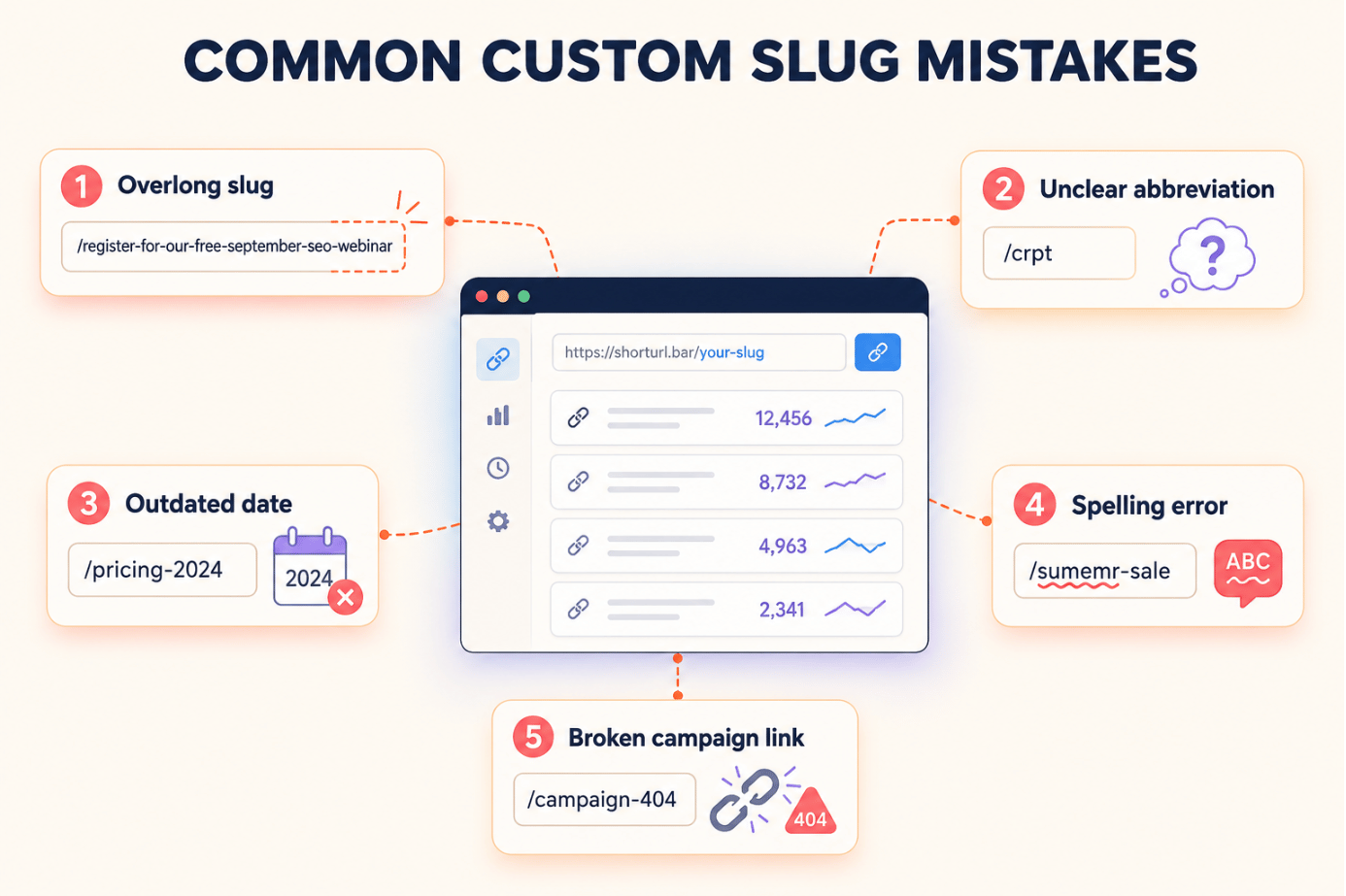
More description isn’t always better, though. A slug such as /register-for-our-free-september-seo-webinar defeats the purpose of shortening the link.
How a Branded Link Slug Supports Recognition
The domain tells users who is responsible for the link. The slug tells them what they’ll get after opening it.
Together, these two elements reduce ambiguity:
go.brand.com/pricingSomeone seeing this link can infer both the sender and the destination. That’s particularly valuable when the link is shared in a channel where people are cautious about unfamiliar redirects.
ShortURL’s guide explainingwhat is a branded URL shortener is explores the domain side of this relationship in more detail.
Recognition shouldn’t be confused with a security guarantee. A readable slug can describe the destination, but users should still check the domain and sender before opening an unfamiliar link.
How to Choose a Custom URL Slug
Start with the action or destination, not the full page title.
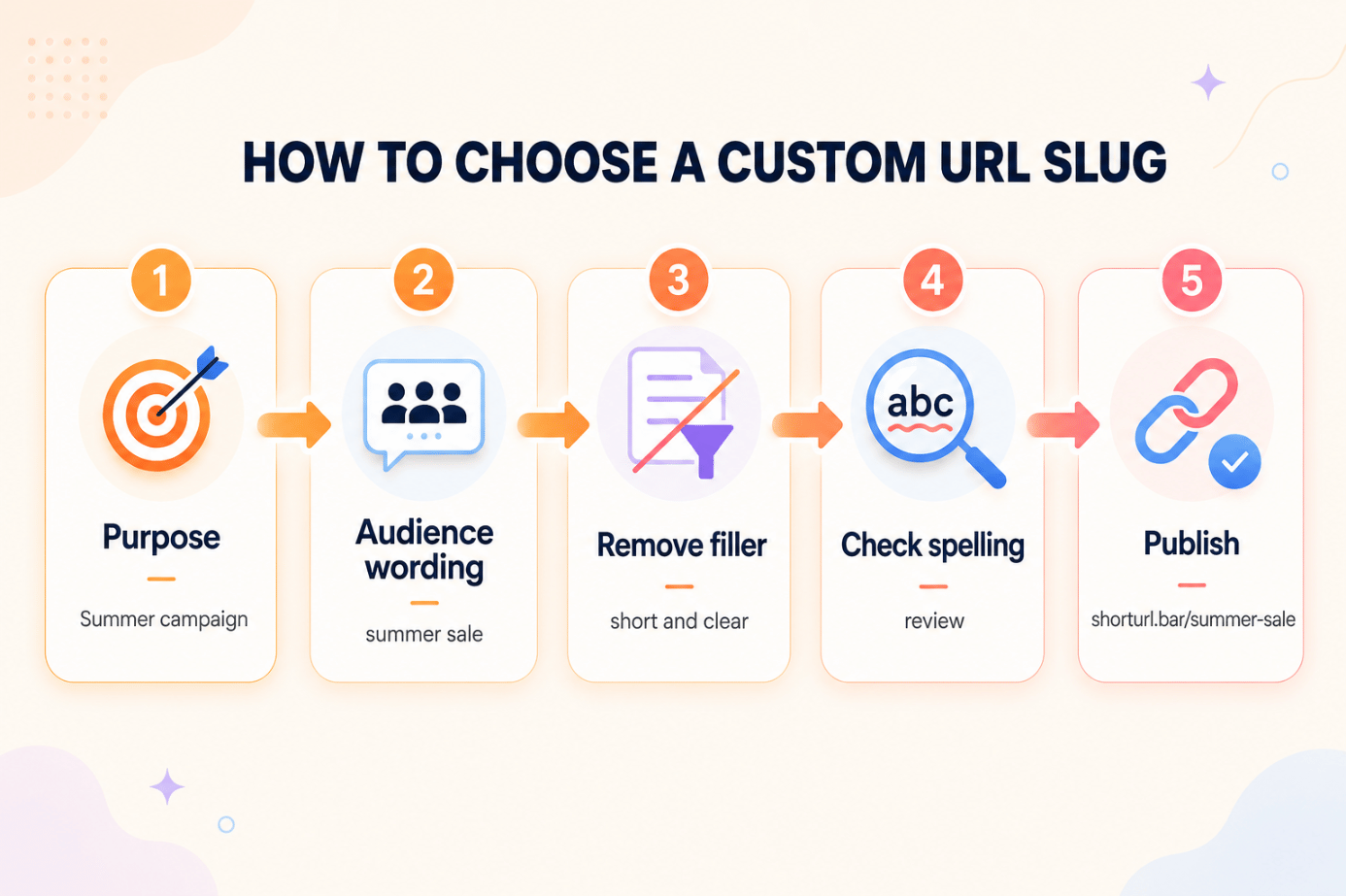
A simple process works for most campaigns:
- Define the link’s single purpose.
- Write the phrase your audience would use for it.
- Remove articles, filler words, and internal terminology.
- Keep one or two recognizable words.
- Add a qualifier only when it prevents confusion.
- Check spelling and existing links.
- Preview the complete URL before publishing.
The result should be understandable without requiring an explanation from the person who created it.
Match the Words to the Campaign
A product launch needs a product or offer name. A downloadable guide needs a topic. A contact page usually needs an action such as /book-call or /contact.
Internal campaign codes rarely work well in customer-facing links. /Q3-LP-04 might make sense inside a project spreadsheet, but it means nothing to a prospective customer.
When to Include a Date
Add a year or month only when time is central to the content.
Good reasons include an annual conference, yearly report, or seasonal promotion:
- /seo-report-2026
- /black-friday
- /october-webinar
Avoid dates for evergreen resources. A link such as /pricing-2026 can look outdated next year, even if the destination page is still correct.
Make the Custom Short Link Easy to Say
Read the complete link aloud.
If you need to explain the spelling, capitalization, underscore, or abbreviation, simplify it. This quick test is useful for URLs that will appear in videos, presentations, podcasts, events, or sales calls.
Google’s official URL guidance recommends using simple, descriptive words and hyphens between terms. Although short links are commonly used as redirects rather than indexable landing pages, the same readability principle is useful for human-facing slugs.
Practical Custom-Slug Examples
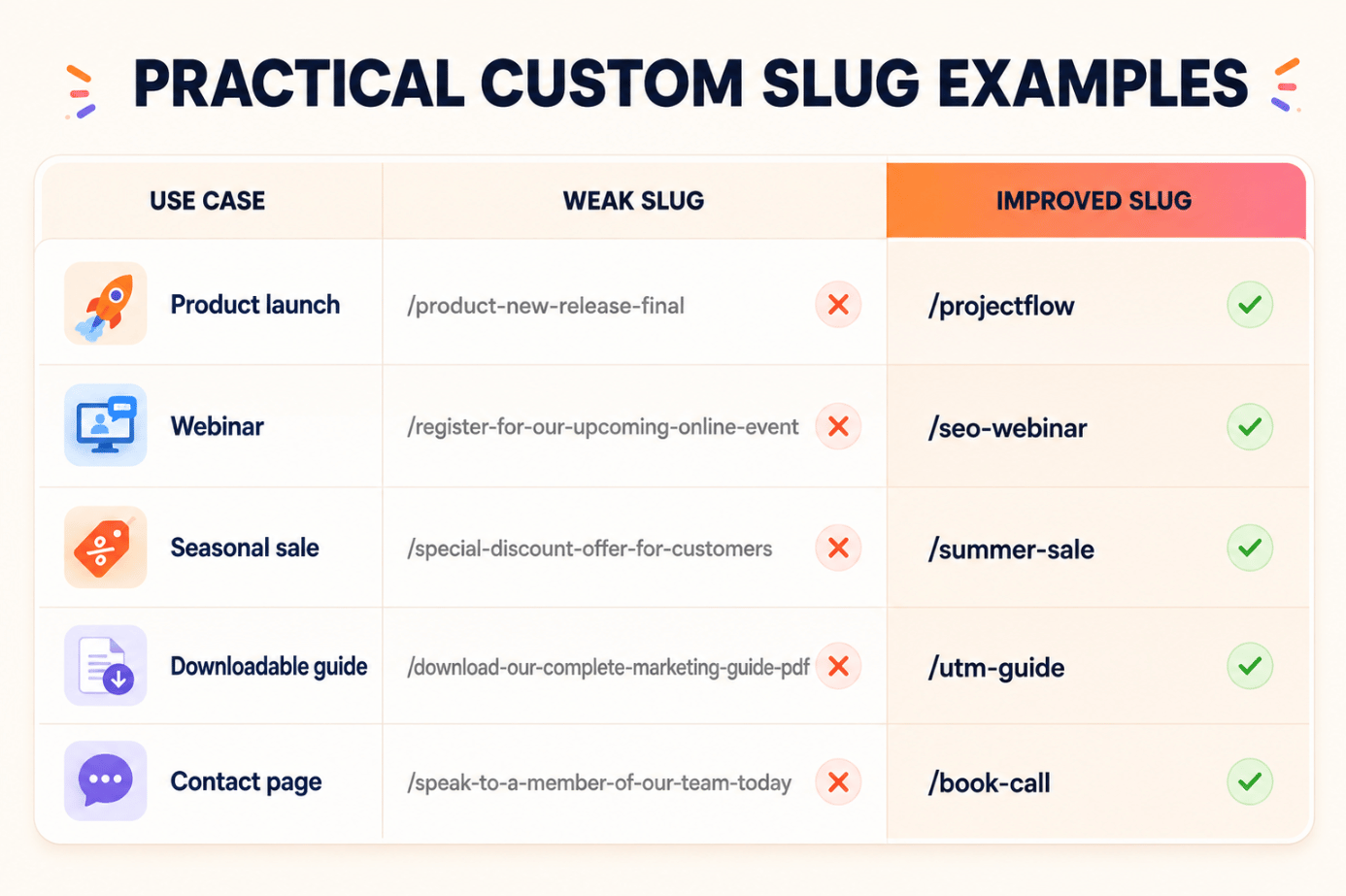
The following are illustrative examples, not reported client campaigns. They show how the same naming principles work across common marketing situations.
Product Launch
Destination:
example.com/products/project-management-software/new-release
Weak slug:
/product-new-release-final
Better slug:
/projectflow
Alternative:
/projectflow-launch
The product name is the strongest choice when it is distinctive. Add “launch” only if the business also uses /projectflow for another destination.
Webinar Registration
Weak slug:
/register-for-our-upcoming-online-event
Better slug:
/seo-webinar
Date-specific option:
/seo-webinar-sept
The shorter version works well for a single event. The month helps when several webinar links will exist at the same time.
Seasonal Sale
Weak slug:
/special-discount-offer-for-customers
Better slug:
/summer-sale
More specific option:
/summer-30
Only use the number when the discount applies broadly. Otherwise, the link may create the wrong expectation.
Downloadable Guide
Weak slug:
/download-our-complete-marketing-guide-pdf
Better slug:
/utm-guide
This memorable short URL describes the resource rather than the file type. It can keep working if the PDF later becomes an interactive page.
Readers who need help preparing tracked destination links can follow ShortURL’s guide to using UTM parameters with short links.
Contact or Booking Page
Weak slug:
/speak-to-a-member-of-our-team-today
Better slug:
/book-call
Alternative:
/contact
Use /book-call when the destination is a scheduling page. Use /contact when visitors will see several contact methods.
URL Slug Best Practices That Keep Links Usable
Keep the Meaning, Cut the Filler
Words such as “the,” “our,” “a,” and “to” rarely help inside a shortened link. Remove them unless doing so changes the meaning.
For example, /download-our-guide-to-email-marketing can become /email-guide.
Prefer Recognizable Words
Use language customers already know. Don’t turn an understandable campaign name into an unexplained abbreviation just to remove three characters.
/customer-report is clearer than /crpt.
Use Hyphens for Multiword Slugs
Hyphens make word boundaries visible:
- Clear: /product-demo
- Harder to scan: /productdemo
- Avoid: /product_demo
This approach also follows Google’s URL structure recommendation to use hyphens rather than underscores between words.
Build a Naming System
Teams should agree on a basic pattern before producing hundreds of links.
For example:
- Events: /event-topic
- Reports: /report-topic-year
- Promotions: /campaign-offer
- Product launches: /product-launch
A naming system helps people search the link dashboard and reduces duplicate or inconsistent slugs.
Check the Destination and Analytics
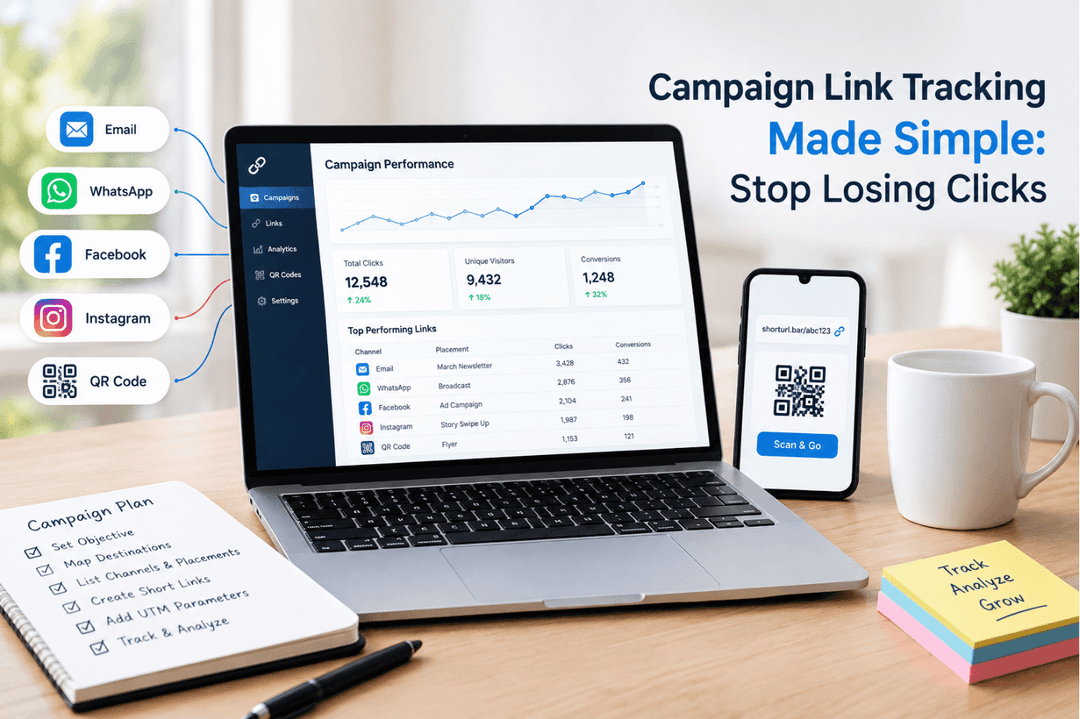
Test the link before sharing it publicly. Confirm that it reaches the right page, works on mobile, preserves any UTM parameters, and appears correctly in the analytics dashboard.
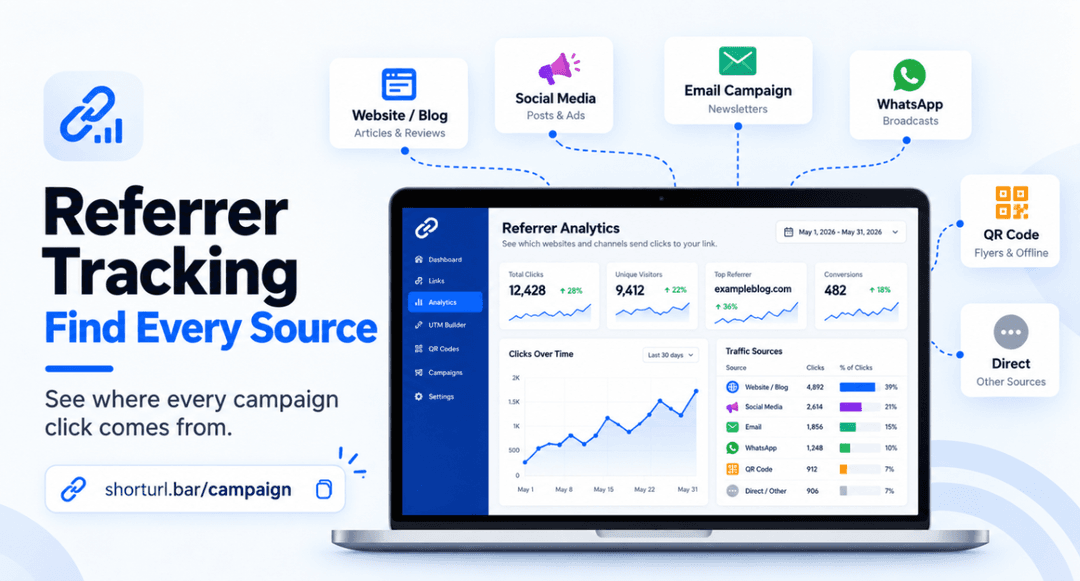
ShortURL’s click-tracking guide explains how to read total clicks, devices, locations, and referrer information after publishing.
Common Custom Link Naming Mistakes
Adding Too Many Words
People often try to place the entire offer inside the slug. This happens because they want the link to explain everything.
Keep one core idea and let the surrounding copy explain the rest.
Using Unclear Abbreviations
Internal shorthand saves space but forces customers to guess. Write recognizable words unless the abbreviation is already widely known by your audience.
Reusing the Same Pattern Without Context
Creating /sale, /sale2, and /sale-final may work briefly, but it becomes difficult to manage later.
Use a clear differentiator such as the product, channel, season, or audience.
Changing a Live Campaign Link
Once a link appears in an email, QR code, advertisement, or printed material, changing or deleting it can break the customer journey.
Review the wording before publishing. If your link platform supports destination editing, update the destination while preserving the public-facing short URL whenever appropriate.
Forgetting About Capitalization
URLs can behave differently depending on the platform and path configuration. Lowercase links are easier to type, share, and standardize.
/summer-sale is safer than /Summer-Sale.
Frequently Asked Questions
What is a custom URL slug?
A custom URL slug is the user-selected part at the end of a web address. In shorturl.bar/summer-sale, the slug is summer-sale. It replaces random characters with words that describe the destination, offer, or campaign.
How do I create a custom URL slug?
Paste your destination URL into a short-link tool, choose the option to customize the link, enter your preferred wording, and check its availability. Review the complete URL and destination before sharing it.
How long should a URL slug be?
There’s no universal perfect length. In most campaigns, one to three short words are enough. The right slug is the shortest version that remains clear, recognizable, and distinct from your other links.
Should I include keywords in a custom short link?
Include a keyword when it helps people understand the destination. Don’t add terms purely for search rankings. Campaign short links normally redirect to another page, so clarity and recognition are more useful than forcing multiple SEO phrases into the slug.
Should I use hyphens in URL slugs?
Yes, use hyphens when a slug contains multiple words. /free-guide is easier to scan than /freeguide, particularly when someone must type or read the address aloud.
Are uppercase letters allowed in a URL slug?
Some platforms allow uppercase characters, but lowercase is the safer convention. It reduces typing mistakes and keeps links consistent across email, print, social posts, and team documentation.
Can I edit a custom URL slug after publishing it?
That depends on the link platform. Be careful even when editing is available because changing the public link may break existing posts, messages, QR codes, or printed materials. Updating the destination while keeping the same slug is usually safer.
Custom URL slug versus branded domain: what is the difference?
The branded domain identifies the business, while the slug identifies the content or campaign. In go.example.com/book-demo, go.example.com is the branded domain and book-demo is the slug. Using both creates the clearest link.
Cleaner Slugs Make Short Links Easier to Trust
A good custom URL slug does one job: it gives people a useful idea of what comes next.
Keep it short, choose familiar words, remove unnecessary dates and filler, and test the complete link before publishing. The final URL should be easy to read on a screen and easy to repeat in conversation.
Random characters are convenient for software. Intentional words are better for people.
Create a Free Custom-Slug Link With ShortURL
Turn your next long campaign URL into a link people can recognize and remember.
Create a free short link with ShortURL and choose a clear custom slug for your product launch, webinar, seasonal campaign, guide, or contact page.
No credit card is required to start.