A branded URL fixes that one problem, and it's a bigger problem than most marketers admit. It's a short link that carries your business name instead of a string of random characters - something like shorturl.bar/summer-sale instead of shorturl.bar/k23x9m. Same redirect, same destination. Completely different reaction from the person about to click it.
Quick Answer
A branded URL is a shortened link built on a custom domain or slug that shows your brand name instead of a generic shortener's random characters. It builds trust before the click, gets tracked like any other short link, and typically pulls a noticeably higher click-through rate than an unbranded one. Tools like ShortURL let you set one up in minutes.
I've watched teams spend weeks perfecting subject lines and ad copy, then paste in a link that looks like it was generated by a bot. Because it was. So let's actually get into what a branded URL is, why it changes click behavior, and how to set one up without overthinking it.
What Actually Makes a URL "Branded"
Here's the plain version: any short link is just a redirect. The domain and the path after the slash - the slug - are the only two things a viewer actually sees before clicking. A generic URL shortener hands you a random domain and a random slug. A branded url shortener lets you control both.
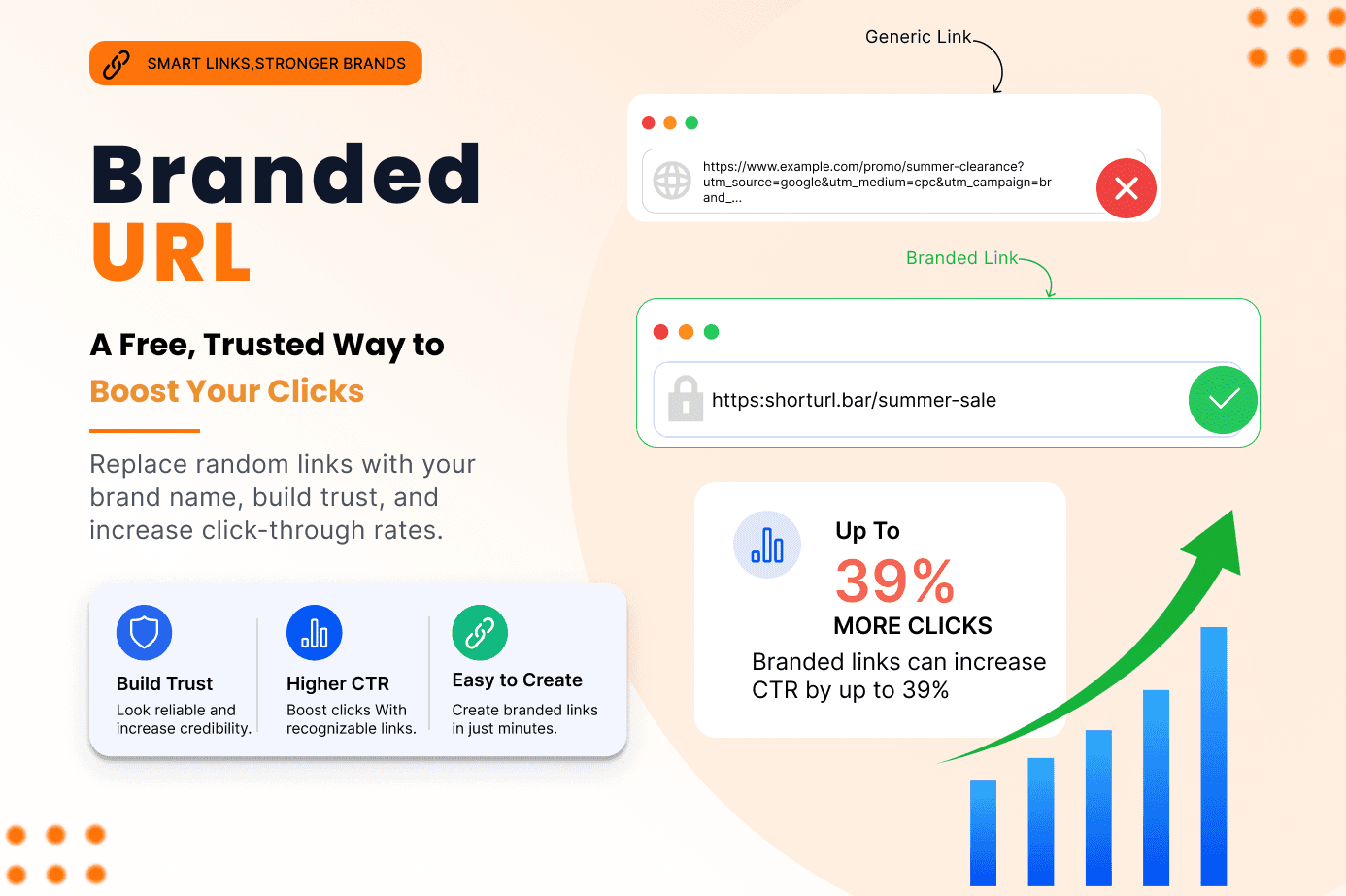
So bit.ly/4kX9z tells the reader nothing. shorturl.bar/black-friday tells them exactly who sent it and roughly what's on the other side. That's the entire trick. No magic, no algorithm - just readability and recognition doing the work that trust usually requires.
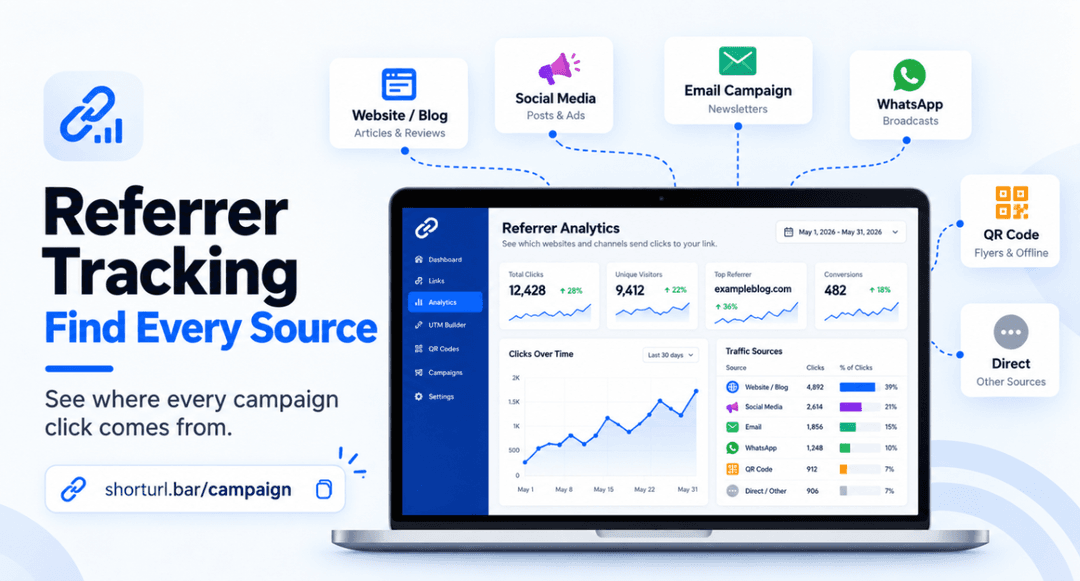
And it's not only about looking nice. A branded URL is still a fully trackable link. Clicks, devices, referrers, locations - all of that keeps working exactly the same way it does on a generic short link. You're not trading functionality for branding. You're getting both.
Custom Domain vs. Custom Slug
People conflate these two, so let's separate them:
- Custom domain - your own domain (or subdomain) replaces the shortener's default one. go.yourbrand.com instead of bit.ly.
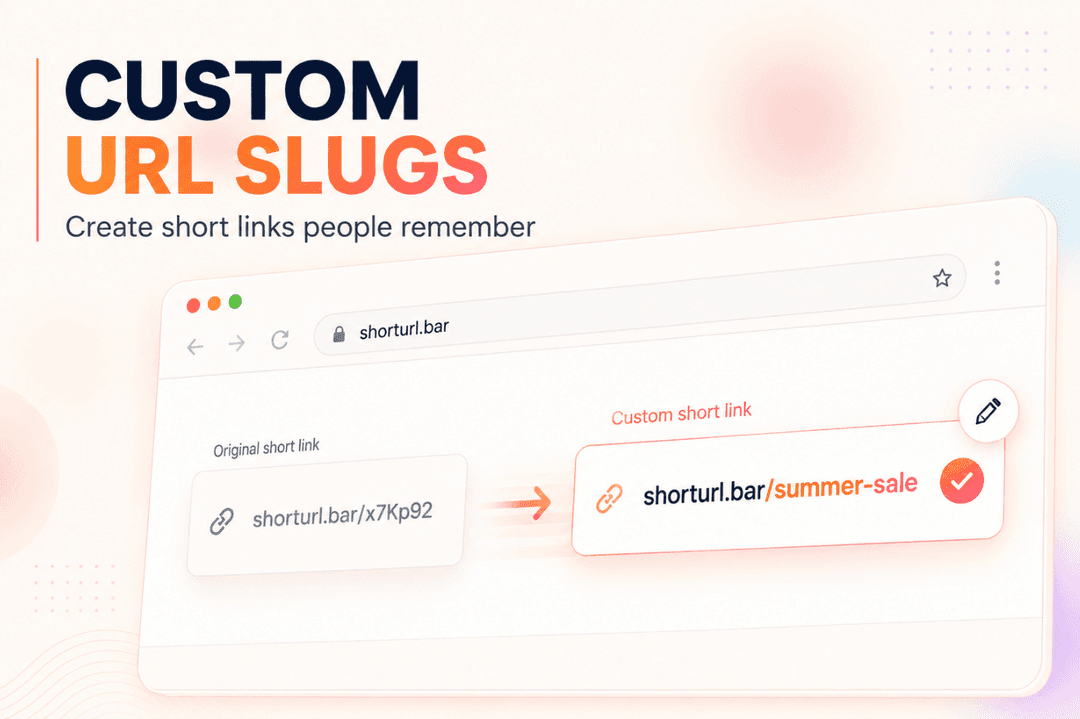
- Custom slug - the part after the slash is something you choose, like /webinar instead of /a8x2p.
A fully branded URL uses both. But even a custom slug alone on a recognizable shortener - something like shorturl.bar/spring-launch - does most of the trust-building work. If you're not ready to set up a custom domain yet, don't let that stop you from branding the slug today.
Why Reader Trust Actually Comes Down to the Slug
Nobody consciously thinks "I distrust this URL." It happens faster than that - somewhere between seeing the link and deciding whether to tap it.
According to Rebrandly's research on click-through benchmarks, branded links can lift CTR by as much as 39% compared to generic URLs, largely because people recognize and trust the brand name sitting right there in the path. (Source: Rebrandly, "What Is a Good CTR?") That's not a small bump. On a campaign sending to 50,000 people, a 39% lift is the difference between a quiet Tuesday and a launch your boss actually notices.
And here's the thing - this isn't just an email stat. The same pattern shows up across WhatsApp broadcasts, paid social, and even printed materials, where a recognizable link reads more like a headline than a suspicious string of characters.
Does that mean generic shorteners are dead? Not exactly. They're fine for quick internal shares or one-off personal links. But the moment a link represents your business - in an ad, a newsletter, a client deck - the branded url is doing marketing work, not just redirecting traffic.
Branded URL vs. Generic Short Link: The Real Difference
I get asked this constantly, so here's the honest comparison instead of a wishy-washy "it depends."
| Factor | Branded URL | Generic Short Link |
|---|---|---|
| Domain | Your brand name | Shortener's default domain |
| Reader trust | Higher - recognizable | Lower - looks anonymous |
| Click tracking | Full analytics | Full analytics |
| Setup time | A few minutes with a slug, longer with a custom domain | Instant |
| Best for | Campaigns, ads, client-facing links | Quick internal shares |
| Cost | Free slug branding; custom domains usually paid | Usually free |
Honestly? For anything going out under your company name, I'd take the branded version every time, even with the extra setup step. The click-rate gap is too consistent to ignore, and once a custom domain is connected, every future link is branded automatically - no extra work per link after that.
How to Create a Branded URL (Step-by-Step)
- Paste your long destination link into a shortener that supports branded links, like ShortURL.
- Edit the slug to something readable - your campaign name, product name, or offer.
- If you're on a paid plan, connect your own custom domain so the whole URL, not just the slug, carries your brand.
- Add UTM parameters if you need channel-level attribution in Google Analytics.
- Generate the link and drop it into your campaign.
The result is a link that reads like part of your brand instead of an accident.
That's genuinely most of it. The step people skip is UTM tagging, and it's the one that saves you from guessing which channel actually drove the clicks a month later. ShortURL's UTM tracking tool builds that tag directly into the link so you're not hand-typing tracking parameters into every campaign send.
What Changed When We Actually Branded Our Links
For years I treated link shortening as an afterthought - something you did at the very end, right before hitting send. Back in early 2024, running campaigns for a small SaaS client, I was still using whatever free shortener was fastest. Clicks were fine. Not great, just fine.
The pushback came from the client's own sales team, actually - they said prospects were hesitant to click links in cold outreach emails because they "looked spammy." That stung a little, because I'd written the copy. Turned out the copy wasn't the problem. The link was.
We switched every outbound link to a branded version on the client's own subdomain. Nothing else in the campaign changed - same copy, same list, same send time. Reply rates on cold email went up noticeably within the first two send cycles, and the sales team stopped getting the "is this safe to click?" question entirely. I won't pretend it was a controlled scientific experiment - it wasn't. But it was consistent enough, across three separate campaigns, that I've never gone back to an unbranded link for anything client-facing since.
Ready to Simplify Your Links?
Create branded short URLs, track every click, generate QR codes, and share smarter with ShortURL.bar.
Get Started Free →Does a Branded URL Actually Affect SEO?
Short answer: no, not negatively - as long as it's set up correctly. This is the question I get most from clients who are cautious about touching anything with "SEO" attached to it.
Google's own redirects documentation confirms that permanent server-side redirects using 301 or 308 status codes are the recommended way to send visitors to a new page location, and search engines treat these as strong signals to consolidate ranking value at the destination page. (Source: Google Search Central, "Redirects and Google Search") ShortURL uses 301 redirects on every branded url it generates, so link equity flows to your destination page rather than getting stuck at the shortener.
Where people actually get burned is with 302 (temporary) redirects or shorteners that inject their own ads into the redirect chain. Neither of those is what a properly built shortener does. So the SEO fear is mostly outdated advice from a decade of sketchy free shorteners, not a real risk with a legitimate tool.
Does using a branded URL hurt my SEO?
No, not when it's built on 301 permanent redirects, which is how ShortURL and most legitimate shorteners work. Google treats a 301 redirect as a signal to pass ranking value to the destination page, so a branded url shouldn't cost you search visibility.
Where Branded URLs Pull the Most Weight
Not every channel needs the same level of branding effort. Here's where it actually moves the needle:
WhatsApp broadcasts.
Recipients see the raw link before they see any context. A branded url reads like a message from a known sender; a generic one reads like a scam text. We've covered this in more depth in our guide to WhatsApp link shorteners.
Email campaigns.
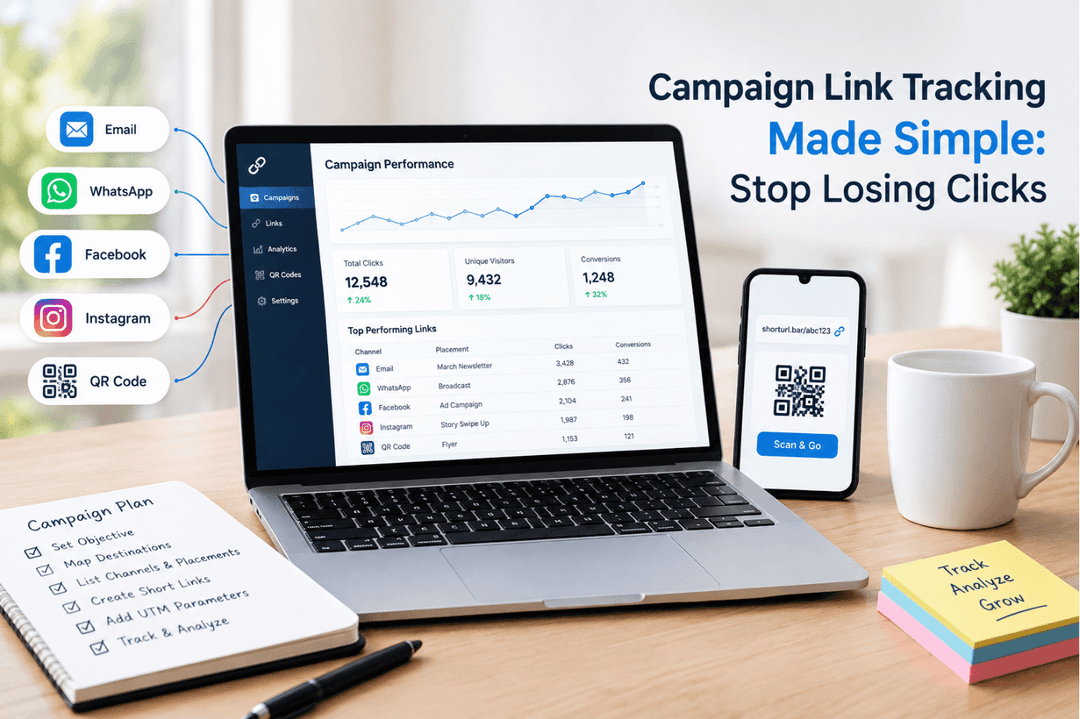
Especially cold outreach, where the sender hasn't earned trust yet. Check our breakdown on shortening links for email campaigns if that's your main channel.
Paid social and print.
A branded link on a billboard or Instagram bio does double duty as a mini ad. Nobody remembers bit.ly/4kXz. Everyone remembers shorturl.bar/launch.
Client reporting.
Agencies especially - a branded url in a client-facing report looks like it belongs to the client's brand, not a third-party tool nobody recognizes.
I won't pretend it matters everywhere equally, though. Internal team links, quick Slack shares, personal bookmarks - a generic short link is completely fine there. Save the branding effort for anything a customer or prospect will actually see.
Frequently Asked Questions
What is a branded URL?
A branded URL is a shortened link that uses a custom domain, subdomain, or slug carrying your brand name instead of a random string. It redirects to the same destination as any short link but builds more trust because readers recognize who sent it before they click.
How do I create a branded URL for free?
Sign up with a shortener like ShortURL, paste your long link, and edit the slug to something readable - like /launch or /webinar-2026. This gives you a branded url without touching a custom domain, and it's free to start with no credit card required.
Does a branded URL cost money?
Editing the slug on a shortener's own domain is usually free. Connecting your own custom domain, so the whole URL carries your brand, typically requires a paid plan. Check ShortURL's pricing page for current tiers.
Is a branded URL better than a regular short link?
For anything customer-facing - ads, emails, WhatsApp campaigns, client reports - yes. Branded links have been found to lift click-through rates by up to 39% compared to generic short links, according to Rebrandly's research, because of the added trust. For quick internal shares, a generic link works fine.
The Bottom Line
A branded URL isn't a growth hack. It's closer to basic hygiene - the same category as fixing a broken checkout button or using a real sender name in your emails. Small, unglamorous, and it quietly removes friction that's been costing you clicks the whole time.
If you're still sending campaigns through a generic shortener, that's the one-line fix worth making before your next send. We go deeper on the mechanics in our guide to what a branded URL shortener actually is and our side-by-side breakdown of branded links vs. generic short links, including a close look at vanity URLs if you want the naming conventions sorted out too.
Create a Branded URL
If you're still sending campaigns through a generic shortener, that's the one-line fix worth making before your next send.
Create a Branded URL