Quick answer: A fb link shortener turns any Facebook post, ad, or page link into a short, branded URL that reports clicks by source. For a marketer running content across several client pages, that means you can finally separate "people saw it" from "people acted on it," post by post, campaign by campaign.
Why Reach Numbers Don't Answer the Real Question
Facebook's own insights dashboard is good at telling you how many people saw a post and how many reacted to it. It is much weaker at telling you how many of those people actually did anything after that, clicked through, booked a call, bought something. For a marketer managing one page, that gap is annoying. For someone running content across four or five client pages at once, it becomes impossible to report on with any real confidence.
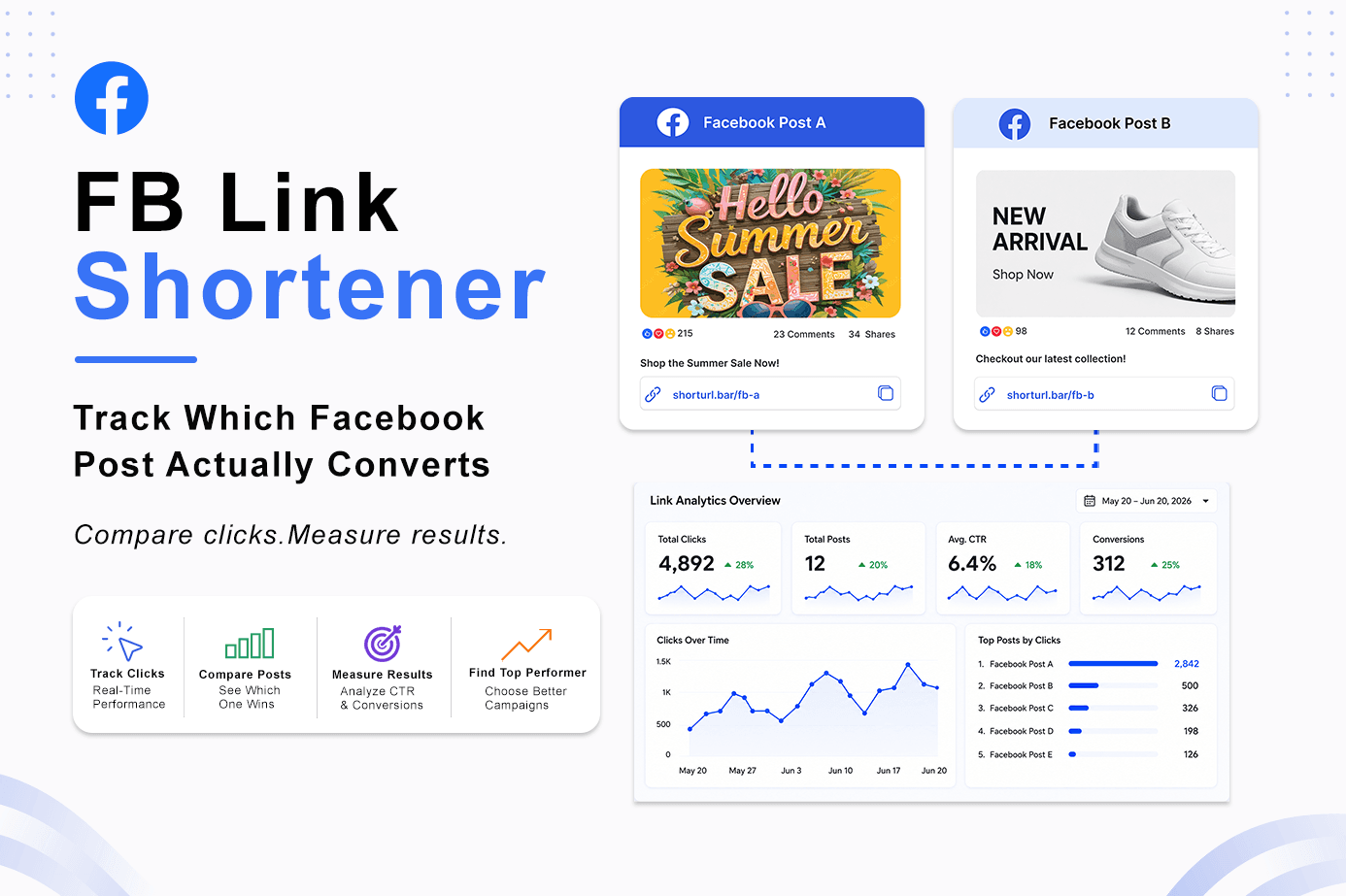
This is the exact spot where a fb link shortener earns its place in the workflow. Instead of pasting the same raw Facebook URL into every post and hoping engagement numbers tell the whole story, you give each post its own trackable, branded link and let the click data do the talking. Without a fb link shortener in the workflow, that click number simply doesn't exist anywhere in your reporting.
What an FB Link Shortener Actually Solves
Branded Short Links Separate Your Content From Everyone Else's
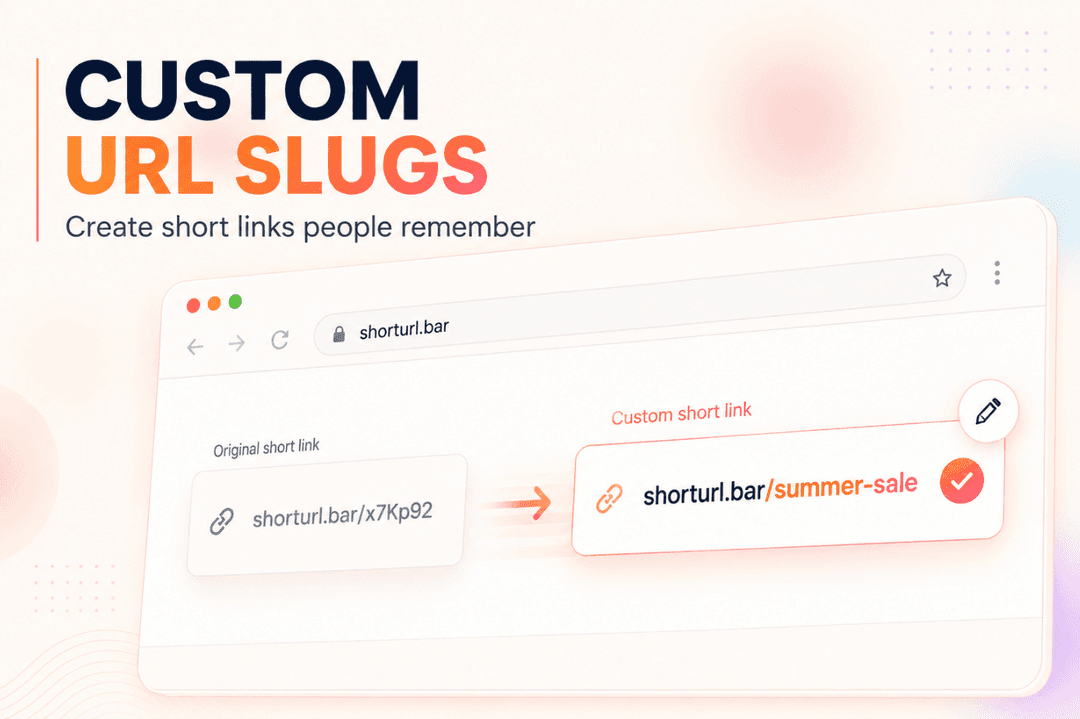
Every agency posting on behalf of clients runs into the same problem: raw Facebook links all look identical, long, generic, and easy to mix up when you're managing several accounts. Branded short links fix that by giving each client, or each campaign, its own recognizable slug, so a quick glance at a report tells you exactly whose link is whose.
Track FB Link Clicks Separately From Reach and Reactions
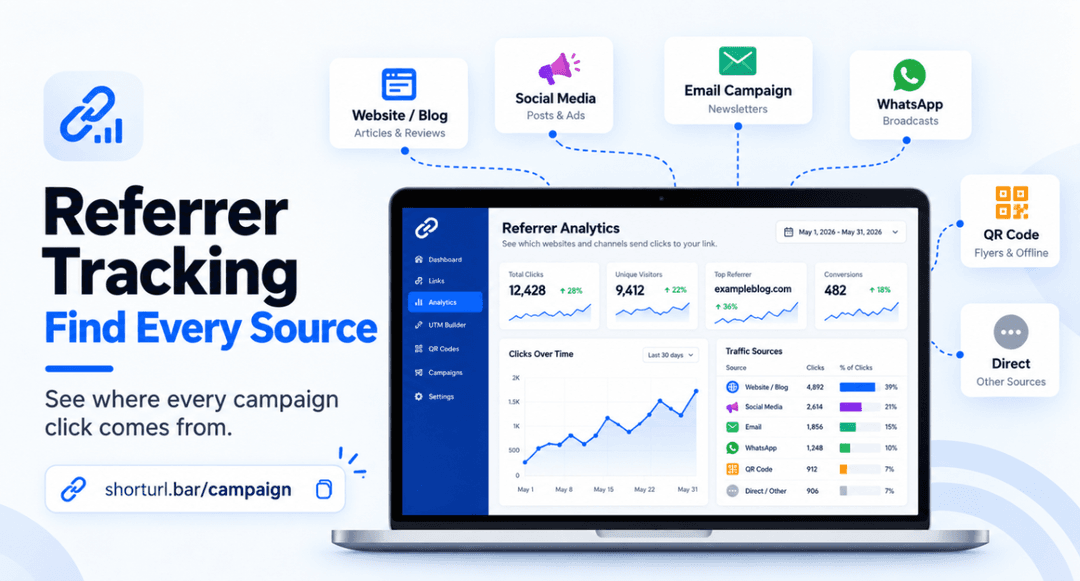
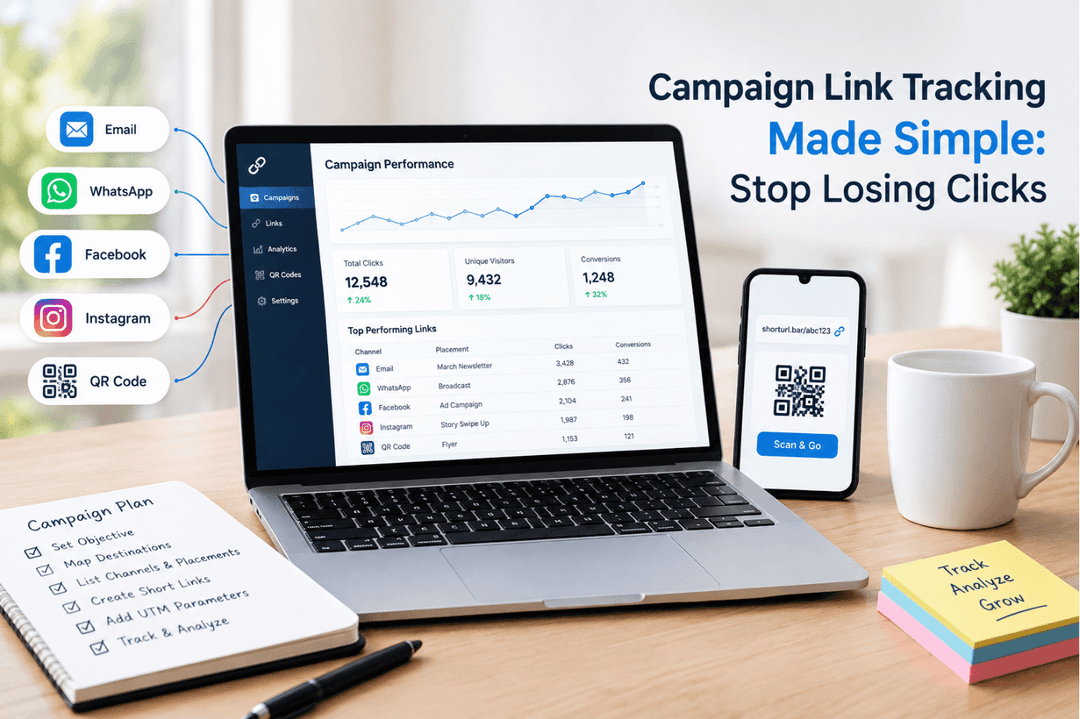
This is the piece most social teams skip. A fb link shortener with a click dashboard shows you, per link, how many people actually clicked through, what device they used, and roughly when. That's a completely different number from reach or reactions, and it's the one that actually maps to revenue.
A URL Shortener for Business Also Handles Attribution
Add UTM tags to each shortened link and your website analytics can tell you exactly which Facebook post, which client account, and which campaign sent that traffic. ShortURL's UTM link shortener builds this in automatically instead of making you hand-type UTM strings for every single post.
How to Track a Facebook Link with ShortURL.bar (Step by Step)
- 1.Copy the destination URL from the Facebook post, video, or ad you want to share — for example, https://www.facebook.com/share/v/1H7ySuxVMt/.
- 2.Go to shorturl.bar and paste it into the shortener. It generates a short URL automatically (you don't get to choose the slug — it's assigned for you, e.g. shorturl.bar/qn8kfy).
- 3.Copy the generated short link and share it wherever you'd normally post, WhatsApp, email, your Facebook caption, wherever.
- 4.Go back to your account's "Saved short links" table to check performance. For each link you'll see: the short URL, the original destination URL, total clicks, status (active or expired), and the date it was created.
- 5.Keep in mind the free tier's 5-day expiry. If a link needs to stay live and trackable longer than that, either regenerate it before it expires or check with ShortURL's team about a paid plan that removes the limit.
What Happened When We Tracked Every Client Post Separately
In late 2025, I was handling social for three small retail clients at once, all running near-identical posting schedules on Facebook. Before we added link tracking, every monthly report leaned entirely on reach and reactions, because that's all we had. Two of the three clients kept asking, reasonably, whether the posts were "actually doing anything."
We switched all three accounts to a fb link shortener with a separate branded slug per client and UTM tags on every post for a six-week stretch. The surprise wasn't that click-through improved, it barely moved. The real value was that we could finally show, for the first time, that one client's Thursday lunchtime posts were driving triple the clicks of their Monday morning posts, while the other two clients showed almost no difference by day. That single finding let us rebuild one client's posting calendar around Thursdays and leave the other two alone, instead of applying the same "best practice" blindly across all three.
Best Practices for Facebook Marketing Links at Scale
Not every free link shortener is set up to work as a genuine fb link shortener for multiple clients or campaigns at once. Here's how the common options compare for a marketer or agency specifically:
| Name | Best For | Free or Paid | Difficulty | Rating |
|---|---|---|---|---|
| ShortURL | Multi-client branded links + click tracking + UTM tagging | Free tier, paid plans available | Easy | 4.6/5 |
| Bitly | Established brand recognition, single-account use | Free tier limited, paid scales fast | Easy | 4.3/5 |
| Meta's native link shortening | Quick, in-platform, zero setup | Free | Very easy | 3.4/5 (no cross-channel or cross-client view) |
| Generic free shorteners | One-off casual sharing | Free | Very easy | 3.0/5 (weak analytics, no branding) |
Before picking a fb link shortener for agency-scale work, check for:
- Per-client or per-campaign slugs. If every client's links look identical in your dashboard, you'll spend more time sorting reports than reading them.
- Click history that doesn't expire mid-contract. Some free plans quietly kill links after a set number of days, which is a bad surprise halfway through a client's monthly reporting cycle.
- Clean UTM handling. Manually building UTM strings for a dozen posts a week across multiple pages is exactly the kind of repetitive task worth automating.
- A dashboard clients can actually understand. Raw click logs are fine internally, but reports meant for a client's inbox need to read clearly at a glance.
Common Mistakes Agencies and In-House Marketers Make
- Using one link format for every client. When every client's Facebook posts route through visually identical short links, cross-referencing which link belongs to which report becomes a manual, error-prone task. Separate slugs per client fix this immediately.
- Reporting reach instead of clicks. Reach and reactions are easy numbers to pull and easy to misread as performance. Running posts through a fb link shortener gives you the number that actually correlates with revenue, which is a harder conversation to have but a more honest one.
- Letting free-tier links expire mid-campaign. A link that dies after five or seven days can quietly break a client's monthly report without anyone noticing until the numbers look wrong.
- Skipping mobile checks on the landing page. Most Facebook clicks, across nearly every client account, come from a phone. A fast, branded short link followed by a slow mobile landing page just moves the drop-off point further down the funnel instead of removing it.
- Only checking link data once a month. A Search Engine Journal report on content performance tracking has repeatedly found that teams reviewing click data weekly catch underperforming posts and campaigns far earlier than those who wait for a monthly wrap-up.
FAQ
The questions below are the ones that come up most when marketers first start using a fb link shortener across client accounts.
What is an FB link shortener and why do marketers use one?
It's a tool that shortens a Facebook post, ad, or page URL into a branded, trackable link. Marketers use one mainly for the click data, since Facebook's own insights stop short of telling you what happened after someone clicked.
How do I know which Facebook post actually drove a sale?
You need a link, per post, that reports clicks and ideally ties into your website analytics through a UTM tag. Without that, reach and reactions are the only numbers you'll have, and neither one maps reliably to a sale.
Can I use one free link shortener across multiple client Facebook pages?
Usually yes, as long as the tool supports separate branded slugs per client or campaign. If every link looks the same regardless of client, reporting gets messy fast, so check this before committing to a tool at scale.
Does an FB link shortener work for both organic posts and paid ads?
Yes. The link itself doesn't care whether the traffic came from an organic post or a paid placement, though it's worth tagging each source differently so you can compare organic and paid performance side by side later.
How do I track FB link clicks by campaign instead of just by post?
Add a campaign-level UTM parameter to each link rather than tagging only by post. That way your analytics can roll clicks up into a campaign view instead of forcing you to add them up post by post manually.
What's the real difference between branded short links and Meta's own link shortening?
Meta's native shortening is fast and free but stays inside Facebook's own ecosystem, so it won't tell you how a link performed compared to the same offer shared on WhatsApp or email. A dedicated fb link shortener tracks across every channel you post to, not just one.
Why do my Facebook click numbers not match my website analytics?
Usually a dropped or mismatched UTM parameter, or a link that got cached by Facebook's crawler before tracking was fully set up. Regenerate the short link and re-test before assuming either platform's numbers are wrong.
Is it worth switching to a dedicated FB link shortener in 2026?
For anyone managing more than one Facebook page or running a genuine content calendar, yes. Most of the tracking that used to require a paid tool now sits inside free tiers, so the cost of trying one is close to zero.
Conclusion
Reach and reactions will always be the easiest numbers to report, and the least useful ones for deciding what to do next. A fb link shortener doesn't replace good content or a solid posting strategy, but running your links through one answers the one question every client and every manager eventually asks: which post actually worked. For anyone juggling more than one Facebook page, that answer is worth more than another month of guessing from engagement counts alone.
Next Steps
If you're managing links across several client accounts, start with ShortURL's branded link tool for marketers so each account gets its own recognizable slug. For the click data itself, the click tracking dashboard is the faster starting point. We went deeper on tool-by-tool comparisons in our guide to the best URL shorteners in 2026, and if your clients are also active on WhatsApp, our piece on short links for WhatsApp marketing is worth pairing with this one. For the broader case for branding every link by default, see what is a branded URL shortener and why marketers need it.
If this was useful, ShortURL's newsletter sends one practical link-tracking tip a week, no padding.