Paste a product link into a text message and watch it break across three lines with a string of random characters at the end. That's the moment most people start looking for a web link shortener. It's not a fancy tool. It's a fix for a problem you've probably hit this week without naming it.
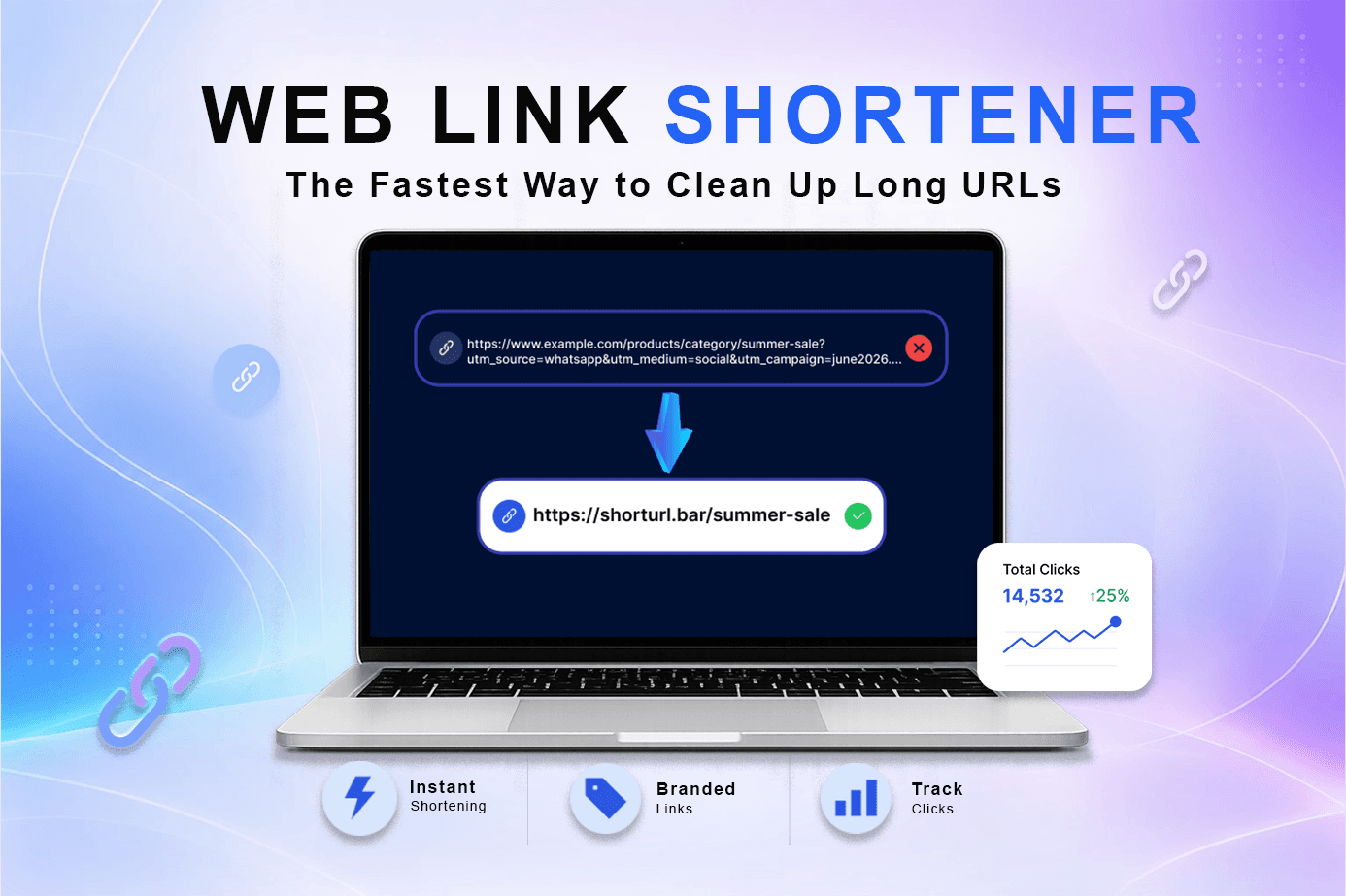
A web link shortener takes any long, clunky URL and turns it into a short one that redirects to the same place. That's it. No coding, no plugin, no waiting. You paste the long link in, you get a short one out, and it works the second you share it.
Quick answer:
A web link shortener shrinks a long URL into a short, clickable version, usually a domain plus a handful of characters, that redirects visitors to the original page. Free tools like ShortURL.bar do this in seconds, and most also throw in click tracking and QR codes at no extra cost.
Here's the thing most guides skip: not every shortener is built the same way, and picking the wrong one can quietly cost you clicks. This post walks through what a link shortener actually does, where it helps most, and how to avoid the mistakes that make short links look spammy instead of trustworthy.
The Problem With Long URLs
Try pasting a tracked marketing link, a Google Maps location, or a product page with a dozen query parameters into a WhatsApp message. It looks broken before anyone even clicks it. Long URLs get cut off in text messages. They wrap awkwardly in emails. They look suspicious on social media, because a link stuffed with random letters and symbols is exactly what a phishing link looks like too.
And it's not just about looks. A messy link is harder to remember, harder to say out loud, and nearly impossible to hand-type from a printed flyer or a slide at a conference. People don't trust what they can't read. So the click rate quietly drops, and most people never figure out why.
What a Web Link Shortener Actually Does
At its core, a link shortener creates a short redirect URL that points to your original page. Someone clicks the short version, the server looks up where it should go, and they land on your destination in a fraction of a second. The visitor barely notices the extra step.
Custom Short URL vs. Random Slug
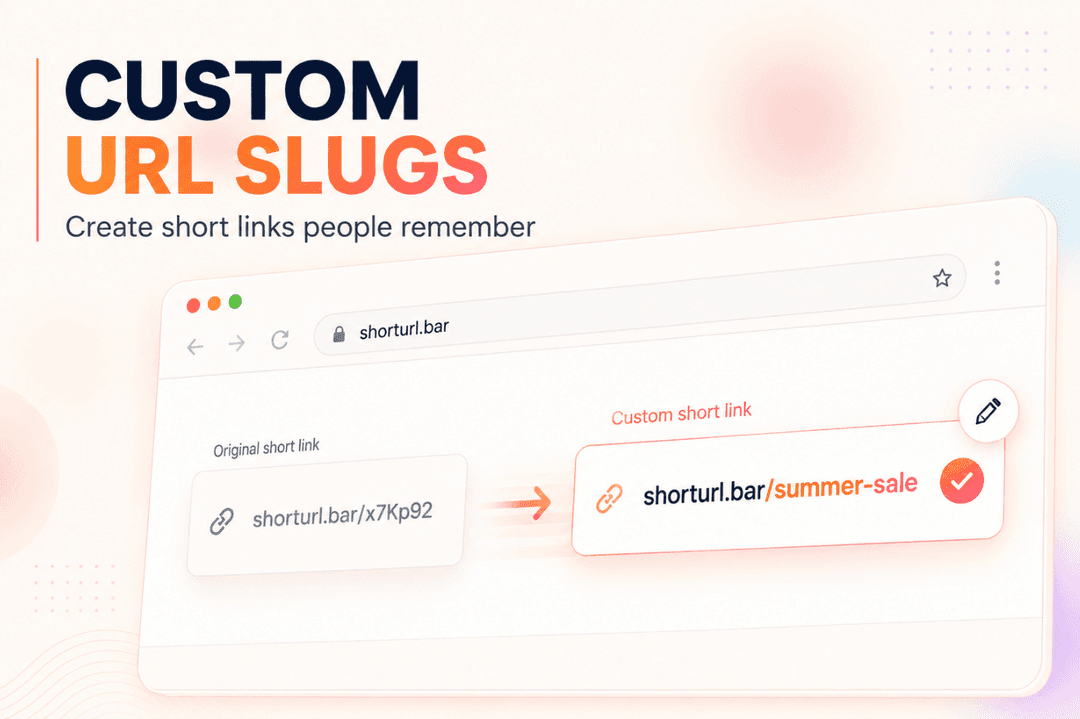
Most tools generate a random string by default, something like anonymous.com/k23x9m. It works, but it doesn't tell anyone anything. A custom short URL replaces that string with words you choose, like shorturl.bar/summer-sale. Readable links like that get clicked more often, because people can actually guess where they're headed before they tap.
How the Redirect Works Behind the Scenes
- You paste your long URL into the shortener.
- The tool generates a unique short path and stores the mapping between that path and your destination.
- Anyone who visits the short link gets redirected instantly, usually with a 301 (permanent) redirect.
The result is a link that's easier to share and, if the tool is built properly, doesn't cost you anything on the SEO side. According to Google Search Central, a properly implemented permanent redirect passes ranking signals through to the destination page, so shortening a link the right way shouldn't hurt where your content ranks. You can read Google's own guidance on redirects and crawling if you want the technical detail.
Where a Short Link Tool Fits Into Everyday Use
You don't have to run a marketing team to need this. People use a web link shortener for:
- Sharing a long product or booking link over text or WhatsApp
- Printing a memorable URL on a flyer, poster, or business card
- Posting on platforms with character limits
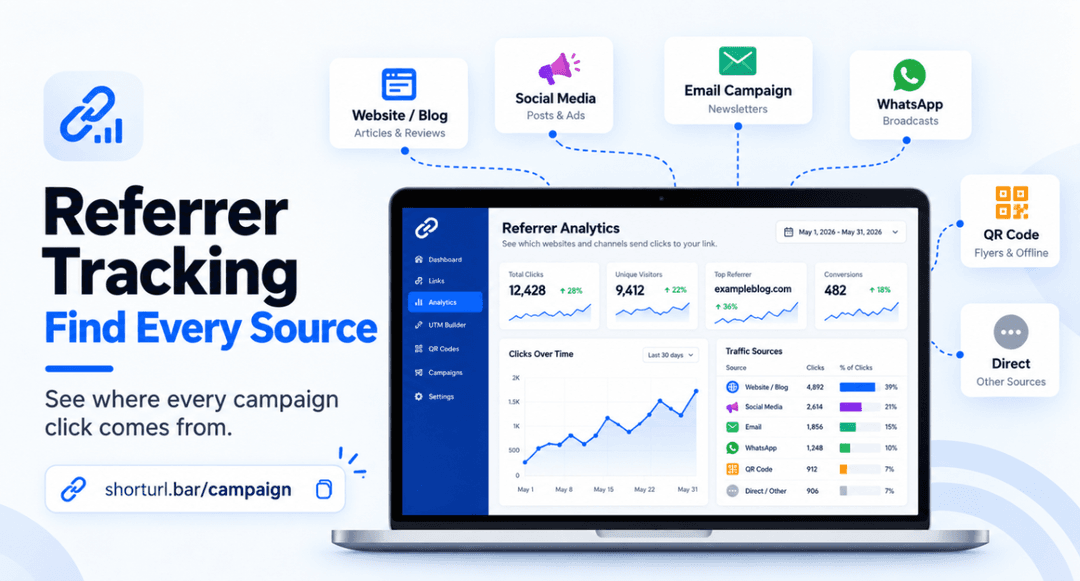
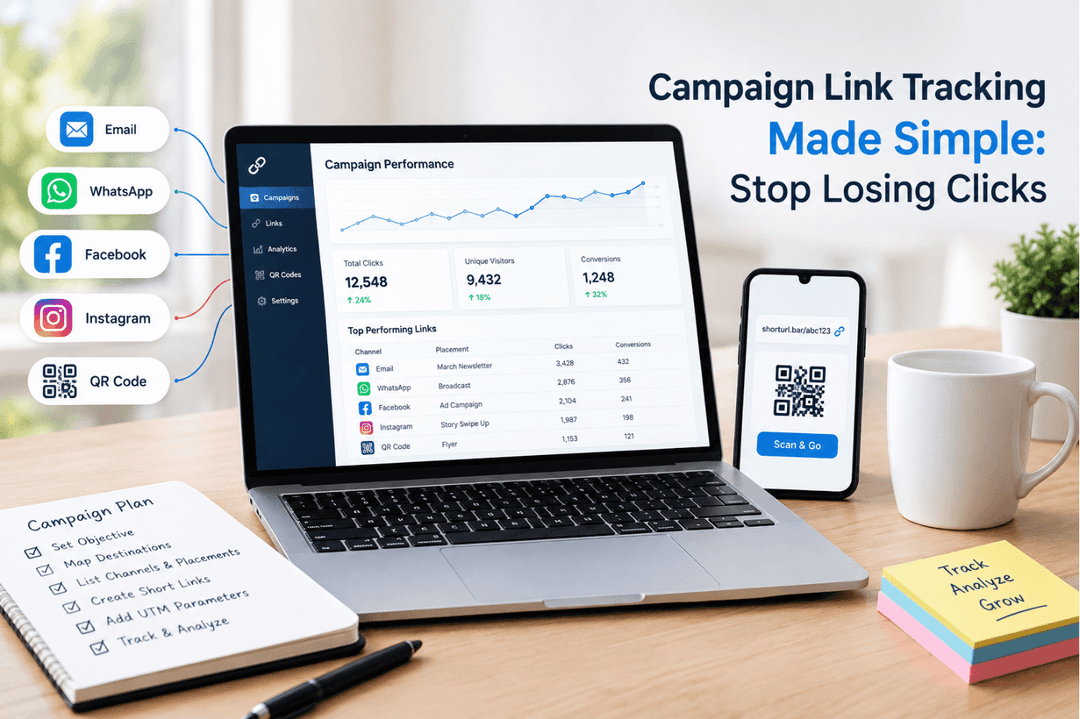
- Tracking which social post or email actually drove clicks, not just guessing
- Handing out a link during a talk that someone can type from memory
Real Situations Where This Actually Helped
I ran a small pop-up sale for a friend's Etsy shop last spring, and the checkout link was almost 200 characters long once the discount code and referral tag were attached. Nobody was going to retype that from a printed card at a farmers market. We shortened it to something readable, printed that instead, and actually watched the scan count on the QR code climb through the afternoon. Small thing. It mattered more than expected.
That's not a one-off. Teams using branded, readable short links instead of random ones report noticeably higher click-through, and it's not hard to see why: shorturl.bar/summer-sale simply reads as safer and more intentional than shorturl.bar/k23x9m. Trust shows up before the click, not after it.
The link tracking side matters too, even for smaller uses. Email marketers already lean on click data to judge what's working, and MailerLite's 2025 benchmarks put the average email click rate around 2%, which sounds low until you're staring at your own numbers with no way to compare. You can read the full breakdown in Bitly's CTR benchmark guide. Having even basic click tracking on a shortened link tells you if a post, message, or email is actually landing, instead of guessing from vibes.
Best Practices for Using a Link Shortener
Not every shortener deserves the same amount of trust, and the free ones vary a lot. A few things worth doing every time:
- Use a custom short URL when the link is going somewhere public, like a flyer, bio, or social caption. It reads cleaner and gets clicked more.
- Turn on click tracking before you share, not after. You can't go back and measure clicks that already happened.
- Generate the QR code version if you're printing anything. Most tools like ShortURL's QR code feature build this in for free, so there's no reason to skip it.
- Check that the tool uses permanent redirects, not temporary ones, if you care about the destination page's search ranking.
- Pick a shortener with click analytics built in rather than bolting on a separate tracking tool later.
| Tool | Best For | Free or Paid | Difficulty | Rating |
|---|---|---|---|---|
| ShortURL.bar | Branded links, QR codes, click tracking | Free to start | Easy | 4.6/5 |
| Bitly | Established brands needing enterprise features | Freemium | Easy-Medium | 4.3/5 |
| TinyURL | One-off, no-frills shortening | Free | Very Easy | 4.0/5 |
| Rebrandly | Multi-domain branded links | Paid tiers | Medium | 4.2/5 |
Common Mistakes People Make
Using the default random slug for everything. It's fine for a private link between friends. It's a mistake on anything public, because a random string reads as untrustworthy compared to a custom short URL people can actually read.
Ignoring click data completely. Most tools track clicks automatically now, including free ones. Not looking at it means you're sharing links blind, with zero idea whether the WhatsApp broadcast or the email actually worked.
Assuming every shortener protects your links the same way. Some free tools let short links expire after a few days. That's fine for a temporary promo, but it's a problem if you've printed the link on something permanent. Check the expiry before you commit ink to paper.
Skipping UTM tags on marketing links. If this link touches an ad, an email, or a paid post, tag it before you shorten it. A tool with built-in UTM tracking saves you from stitching parameters together by hand.
Shortening a link you'll never use again. Every extra redirect adds a tiny hop between click and destination. It rarely matters for a single link, but it's not free either, so there's no reason to shorten a link nobody will click.
FAQ
What is a web link shortener?
A web link shortener is a free online tool that turns a long URL into a short, clickable version that redirects to the same destination. It's used for cleaner sharing, easier printing, and click tracking.
How do I shorten a link for free?
Paste the long URL into a tool like ShortURL.bar, hit generate, and you'll get a short link back in seconds. No account is required for a basic shortened link, though creating one lets you track clicks and set a custom slug.
Does a web link shortener cost anything?
Most basic shortening is free, and it usually stays free for individual use. Paid plans exist mainly for branded custom domains, team accounts, and advanced analytics, not for the core shortening itself.
Is it safe to click on shortened links?
Generally, yes, as long as the shortener is a known service with a real redirect page rather than one designed to mask malicious sites. Branded links (where you can see the destination brand in the URL) are safer to click than fully random ones, because there's context before you tap.
Does shortening a link hurt my SEO or the destination page's ranking?
No, not when the tool uses a proper 301 permanent redirect. That passes ranking signal through to your destination page instead of losing it. It's worth double-checking your tool actually does this, since not all shorteners handle redirects the same way.
What's the difference between a free shortener and a branded one?
A free shortener usually gives you a random string on a shared domain. A branded one lets you use your own domain or a readable custom slug, plus fuller analytics. For a one-off personal link, free is plenty. For anything public-facing or repeated, branded pays off fast.
Why isn't my shortened link working?
Usually it's one of three things: the link expired (some free links auto-expire after a set number of days), the destination URL was typed wrong when it was created, or the original page it points to has since moved or been taken down. Check the destination first.
What's the best web link shortener in 2026?
It depends what you need. For free shortening with built-in QR codes and click analytics, ShortURL.bar covers most everyday and small-business use cases without a credit card. Bigger teams running high-volume campaigns might want branded domains or workspace features, which push toward paid tiers on most platforms.
Final Thoughts
None of this is complicated, and that's kind of the point. A web link shortener isn't a growth hack, it's just a small fix for a link that was already too long to share properly. Clean it up, track what happens after someone clicks, and move on with your day. The tool should disappear into the background. If you're still thinking about it after the link is live, something's off.
Try It Yourself
Ready to see it in action? Shorten a link for free and check the click count an hour later, it's the fastest way to understand why this matters. If you're running campaigns across channels, ShortURL's branded link tools and WhatsApp-friendly short links are worth a look too. And if you want to go deeper on tracking, this guide on measuring clicks walks through reading your dashboard step by step.