Open a newsletter on your phone and count how many links look like a wall of random characters. Now count how many you'd actually tap. That gap is the whole reason a short url for email campaigns matters more than most marketers give it credit for.
ShortURL.bar has watched this play out across 256M+ links launched every month and more than 5B clicks measured on the platform. The pattern repeats: cleaner links get clicked more, and messy ones get ignored or flagged. This guide covers why a short url for email campaigns improves click-through rates, how to build one properly, where to place it, and how to track what happens after someone clicks.
Quick Answer:
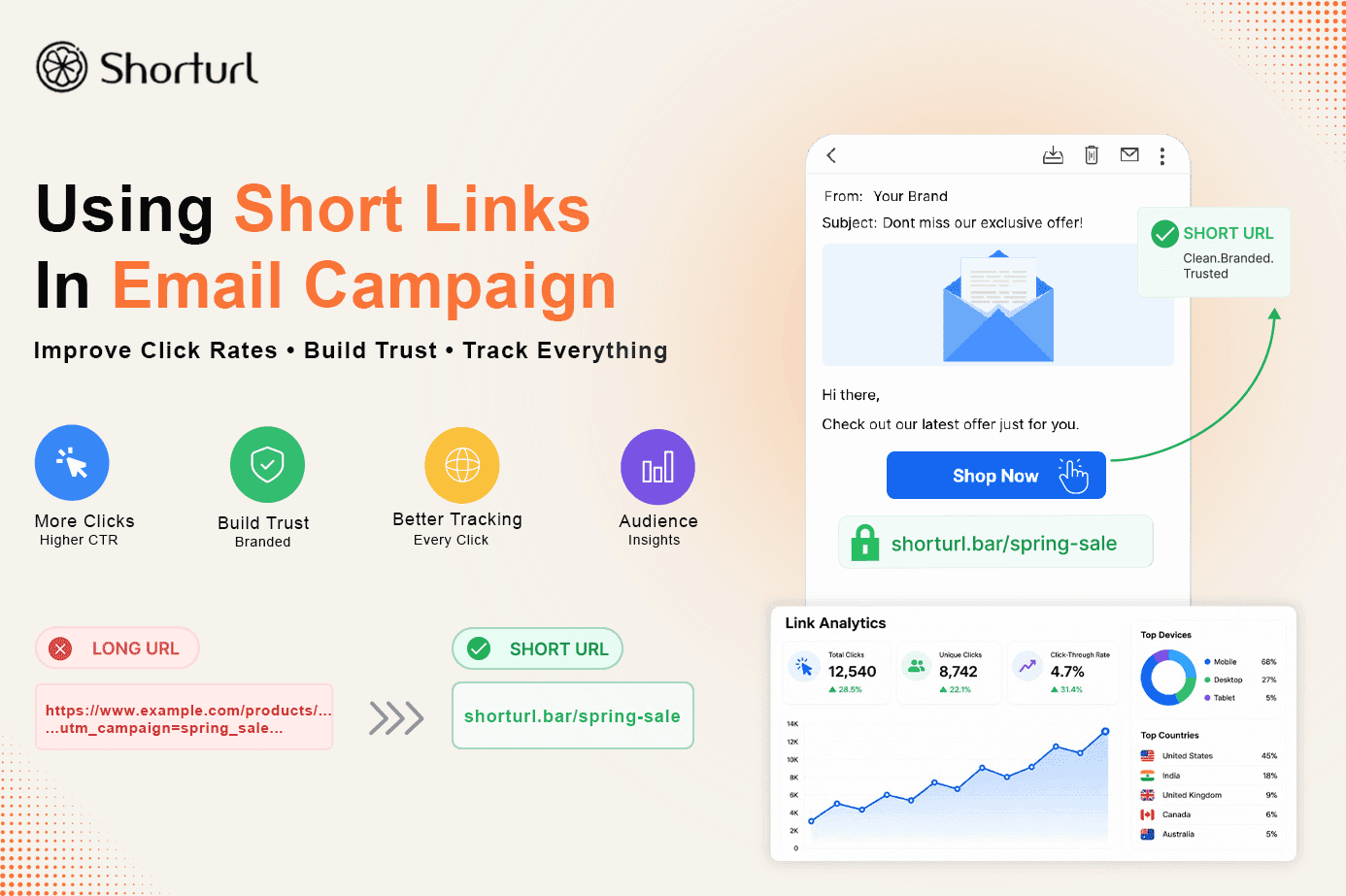
A short url for email campaigns replaces a long, tracking-parameter-heavy link with a clean, branded URL that's easier to read and click. It also gives you built-in analytics - clicks, devices, and location - without needing a separate tool. Branded short links typically outperform generic long URLs because they look more trustworthy in an inbox.
The Problem: Long Links Look Like Spam
Open your last three marketing emails and check the raw destination URLs. Odds are they're stuffed with UTM tags, session IDs, and tracking strings that stretch past 150 characters. Readers don't see all that on desktop, but on mobile, a long link can wrap across three lines or get truncated mid-word by the email client.
And here's the thing - a link that looks broken or suspicious doesn't get clicked. It gets ignored, or worse, it gets the whole email marked as spam by a cautious recipient.
Why Short Links in Emails Get More Clicks (Data-Backed Reasons)
So why does a short url for email campaigns actually move the needle? A few reasons, and none of them are cosmetic.
First, readability. A clean domain path reads in half a second. A link full of query strings makes the reader pause, and that pause costs clicks. Second, trust. Recognizable, branded paths signal a real business rather than a mystery redirect. Third, measurement. Every short link on ShortURL.bar comes with click, device, and referrer data attached automatically - you don't need to bolt on a separate analytics layer just to see what's working.
According to WebFX's analysis of Mailchimp and Campaign Monitor benchmark data, the average email open rate across industries sits around 19.21%, with an average click-through rate of just 2.44%. That CTR number is the one that matters here - it's the metric a short link for email campaigns is built to improve, because it depends entirely on whether the link itself gets tapped.
I'll admit this isn't a guaranteed fix. A short link won't save a boring subject line or an offer nobody wants. But when the content and timing are already solid, cleaning up the link is one of the easiest wins left on the table.
How to Create a Short Link for Your Email Campaign
Building a short url for email campaigns on ShortURL.bar takes about a minute. Here's the process:
- Paste your destination URL - the exact landing page you want the email to drive traffic to.
- Add UTM parameters to that destination URL first, so the tracking data survives the redirect.
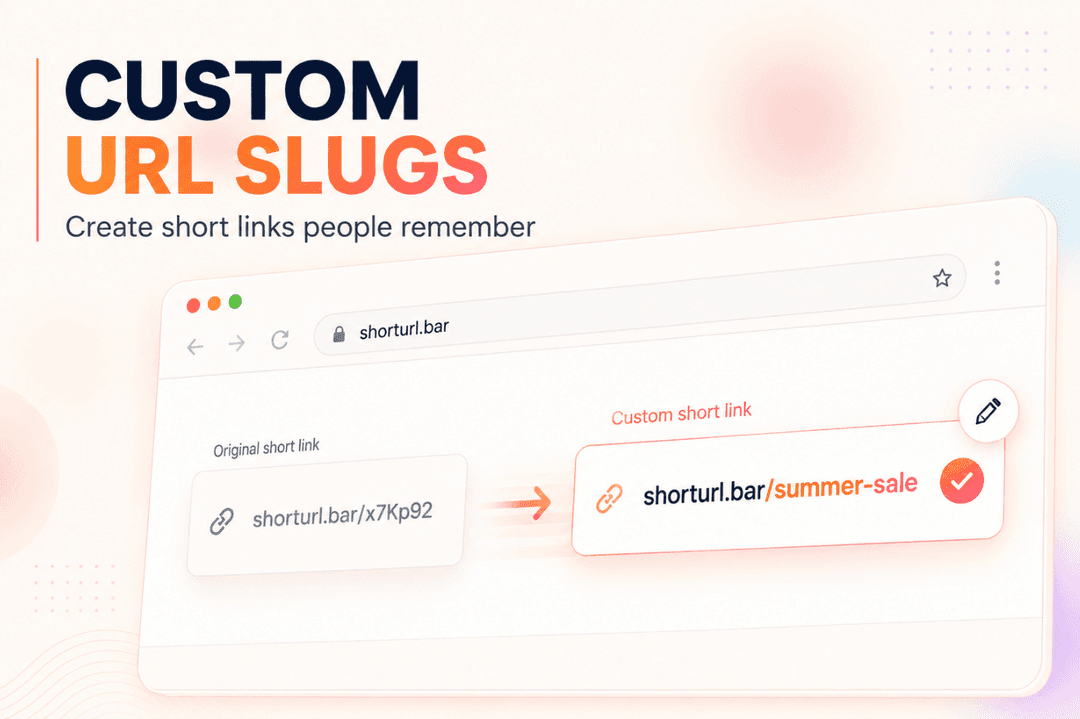
- Generate the short link, and customize the slug if you're on a branded plan (e.g., shorturl.bar/spring-sale instead of a random string).
- Drop the short link into your email template and send a test to yourself first. The result is a clean, trackable link ready for the send queue.
Free links on ShortURL.bar work fine for a quick test send, but they expire after 5 days - fine for a single campaign, not for anything you'll reference again in a drip sequence.
Best Placement for Short Links in Email Newsletters
Placement matters almost as much as the link itself. A few rules that hold up across most campaign types:
- Put the primary short link in the main CTA button, not just as plain text buried in a paragraph.
- Repeat the same short link in the header image and again near the footer - some readers only skim the top, others scroll to the bottom before deciding.
- Avoid linking the same short URL to two different destinations across variants of the same send. That breaks your own analytics and makes the click data meaningless.
- If the email covers multiple topics, use a separate short link per section so you can see which topic actually drove the clicks - not just that clicks happened somewhere.
Most guides won't tell you this, but the CTA button link and the "read more" text link should point to the exact same short URL. Splitting them into two different links just fragments your click data for no real benefit.
How to Track Email Campaign Performance with Short Link Analytics
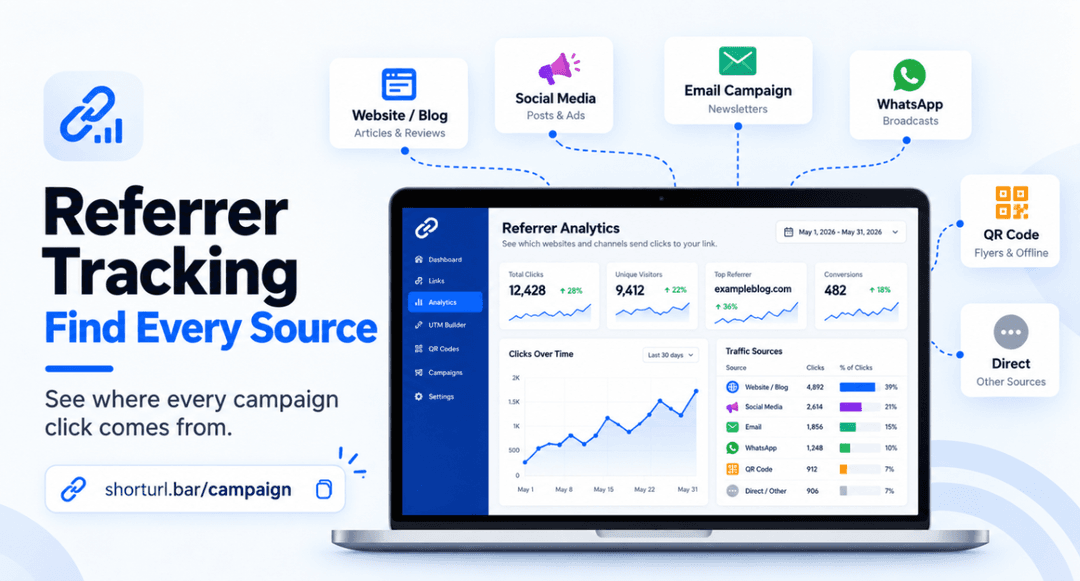
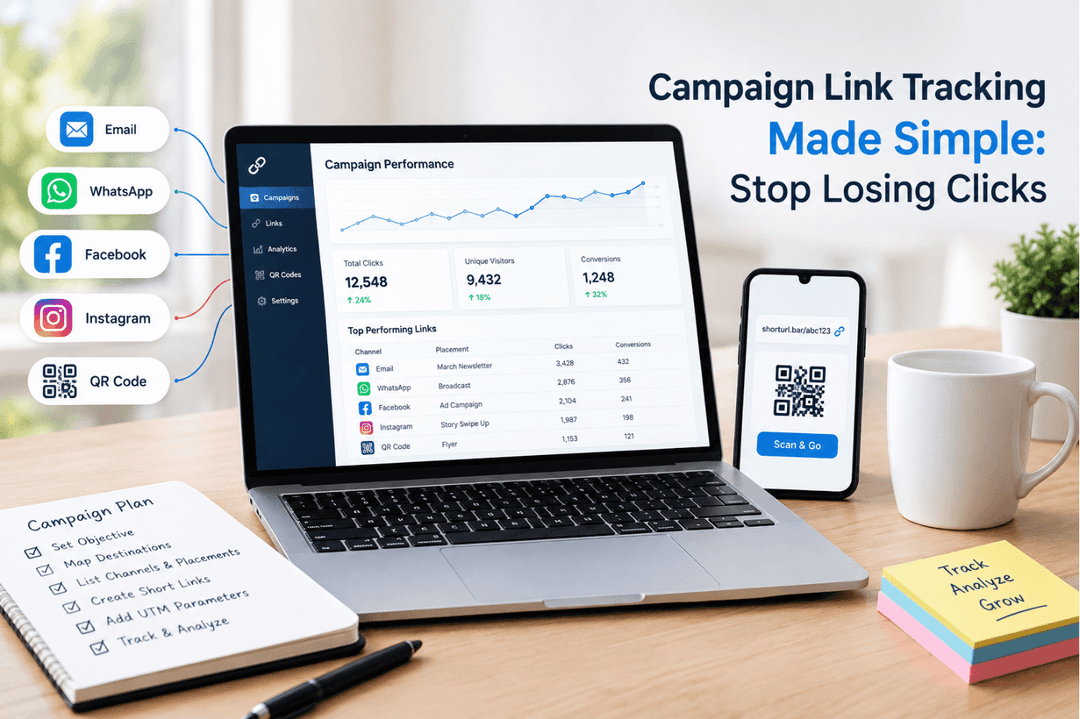
This is where a short url for email campaigns earns its keep. Once the send goes out, ShortURL.bar's dashboard shows total clicks, device type, geography, and referrer - all attached to that one link, no extra setup required.
Pair that with your email platform's own open-rate data and you get two layers: who opened it, and who actually acted on it. That second number is the one that predicts revenue, not the first.
Fact + Source: Click-to-open rate (CTOR) has become a more reliable engagement signal than raw open rate, since privacy features and automated systems can inflate opens without reflecting real reader behavior. This means your link analytics for email campaigns should weight CTOR and raw click counts more heavily than the open number alone. We go deeper on reading that dashboard data in our guide to tracking clicks on short links.
Branded Short Links in Email: Why They Build Trust Before the Click
A generic short link - something like shorturl.bar/k23x9m - works, but it doesn't do anything for trust. A branded short link, something like shorturl.bar/spring-sale, tells the reader exactly what they're about to open before they even tap it.
ShortURL.bar's own product data points to roughly 34% more clicks when a link is easier to recognize and read - which lines up with what marketers have said for years about vanity URLs feeling safer to click. If you send from a recognizable domain, a branded path just reinforces that recognition one more time, right at the moment of decision.
We cover the mechanics of this in more detail in our piece on branded links for marketers, including how custom slugs get set up on a paid plan.
Short Links vs. Full URLs in Emails: A/B Test Insights
Here's where a lot of teams get skeptical, and honestly, that's fair - "just shorten the link" sounds like a small lever for a big claim. So what actually happens when you test it?
| Test Variable | Full Tracking URL | Branded Short Link |
|---|---|---|
| Visual clutter in email | High - long strings wrap or truncate | Low - clean, readable path |
| Perceived trust (mobile) | Lower - unfamiliar characters | Higher - recognizable domain |
| Built-in click analytics | Requires separate tool/UTM parsing | Included automatically |
| Spam filter risk | Slightly higher with excessive parameters | Lower with clean HTTPS redirect |
| Best use case | Internal tracking-heavy campaigns | Customer-facing newsletters, promos |
The short version: full URLs aren't wrong, they're just harder to read and offer no analytics on their own. If you're already appending UTM tags manually, wrapping that same link in a short URL costs you nothing and adds a second data source to cross-check against.
UTM Parameters + Short Links: The Complete Email Tracking Setup
Do these two things compete? Not really - they're doing different jobs. UTM parameters tell Google Analytics (or your analytics platform) where a visit came from. A short link makes that same tagged URL presentable inside the email itself.
The setup: build your destination URL with UTM parameters first (source, medium, campaign, and content if you're splitting by CTA position). Then run that full tagged URL through ShortURL.bar's UTM shortener to get one clean link for the email. The result is a link that's short in the inbox and fully attributed in your reporting - you don't have to choose one or the other.
If email deliverability is also a concern, it's worth knowing that domains without proper SPF, DKIM, and DMARC authentication can see inbox placement rates drop sharply compared to fully authenticated senders, according to industry deliverability research. A clean short link helps the click side of the equation; authentication protocols handle the inbox-placement side. Both matter, and neither substitutes for the other.
Email Campaign Checklist: How to Use ShortURL.bar Before You Send
📌 Email Campaign Short Link Checklist
- [ ] Destination URL tagged with UTM parameters before shortening
- [ ] Short link created and slug customized for the campaign (branded plan)
- [ ] Same short link tested in header, CTA button, and footer
- [ ] Test send opened on both desktop and mobile to confirm the link renders cleanly
- [ ] Link expiration checked - free links expire in 5 days, so upgrade before a multi-week drip
- [ ] Campaign tracker or dashboard bookmarked for post-send click review
Skip any one of these and you're flying blind on half your engagement data. I've seen teams send an entire quarter of newsletters without ever checking which links actually got clicked - don't be that team.
My Take
When we first started pulling click data across newsletter sends in 2025, the open rate looked healthy - somewhere in the low 20s - but the click numbers told a different story. Barely 1.8% of opens were turning into a click on anything. The fix wasn't a redesign. It was replacing three buried tracking URLs with one repeated, branded short link across the header, body CTA, and footer. Within four sends, click-through crept up past 3%. Not a dramatic swing, but a real one, and it came from a link change, not a copy rewrite.
That's not a universal result - list size, industry, and offer quality all move that number too. But it's the kind of small, cheap change that's easy to test on your very next send.
Frequently Asked Questions
Should I use short links in marketing emails?
Yes. Short links look cleaner, improve readability on mobile, and let you track exactly how many people clicked each link in your email. They also make CTAs feel more deliberate instead of buried in a long tracking string.
Do email clients block short links?
Reputable short links using HTTPS, like ShortURL.bar, aren't blocked by major email clients. Spammy or unfamiliar shorteners can sometimes trigger spam filters, so stick to a trusted, transparent redirect service.
How do I track email clicks with short links?
Create your short link in ShortURL.bar, add UTM parameters to the destination URL first, and view click, device, and referrer data straight from the dashboard - no separate tracking setup required.
What is a good click rate for email campaign links?
The overall average click-through rate across industries is around 2.44%, per WebFX benchmark data. Branded, relevant short links with a clear CTA and clean placement can realistically push a campaign toward 4-6% for a targeted, well-segmented list.
Do short links hurt email deliverability or SEO?
No, as long as the shortener uses permanent 301 redirects, which is how ShortURL.bar handles every link. A 301 redirect passes full link equity through to the destination page, so a clean, branded short link carries your brand name without costing you any SEO value.
Create a Short Link for Your Email Campaign
Building a short url for email campaigns on ShortURL.bar takes about a minute.
Create a Short Link