At ShortURL, we build short links, QR codes, and UTM tracking for teams running exactly this kind of multi-channel launch, and we've watched campaign link tracking make or break a reporting cycle more times than we can count. Across the 256M+ links launched through the platform every month, the pattern is always the same: teams that plan their links before launch get clean attribution, and teams that create links on the fly get a mess they have to clean up after the fact.
So what is campaign link tracking, exactly? It's the practice of creating a distinct, labeled link for every meaningful placement in a campaign, tagging each one with consistent UTM parameters, and routing the resulting click data into one reporting view. Done right, it tells you not just how many people clicked, but which specific email, ad, or post got them there. Skip the planning step and you're left guessing.
This guide walks through building a campaign link tracking plan before you launch anything, not after.
Why Campaign Attribution Breaks Down
Ask a growth team why their reports don't line up and you'll usually hear some version of the same three complaints. The link was made in a rush, five minutes before the email went out, so nobody thought about naming it consistently. Or the same short link got reused across email, social, and a partner newsletter because building three separate links felt like extra work. Or the UTM tags got added after the campaign had already been live for two days, which means the first 48 hours of clicks are permanently unattributed.
None of these are dramatic failures. They're small shortcuts. But they compound. A campaign with fifteen touchpoints and one shared link can't tell you which touchpoint actually worked, and by the time someone notices, the data can't be fixed retroactively. This is exactly the gap campaign link tracking is meant to close, and it only works if it happens before launch, not as a fix afterward.
How to Plan Campaign Link Tracking Before Launch
Campaign link tracking works best as a checklist you run through before a single link gets created, not a cleanup job after launch. Here's the order that actually holds up.
Start With the Objective, Not the Link
Before touching a URL shortener, write down what the campaign is supposed to prove. Is this about clicks, sign-ups, downloads, or in-store visits from a QR code? The objective decides what "success" looks like in the report you'll pull two weeks from now. Skipping this step is why so many campaign reports end up measuring clicks instead of the outcome anyone actually cares about, and it's the first thing any real campaign link tracking plan should nail down.
Map Every Destination URL
List every landing page, offer page, or product page the campaign will point to. If there are three landing page variants for A/B testing, that's three destinations, not one. Destination mapping feeds directly into campaign link tracking later, since every destination needs its own tagged URL once channels enter the picture.
List Every Channel and Placement
This is where most plans go thin. "Email" isn't a placement. "Header CTA in the March newsletter" is a placement. "Instagram Story swipe-up" is a placement. Trackable campaign links only work when each one maps to a specific spot a person actually clicked from, not a general channel name.
Create One Short Link Per Placement
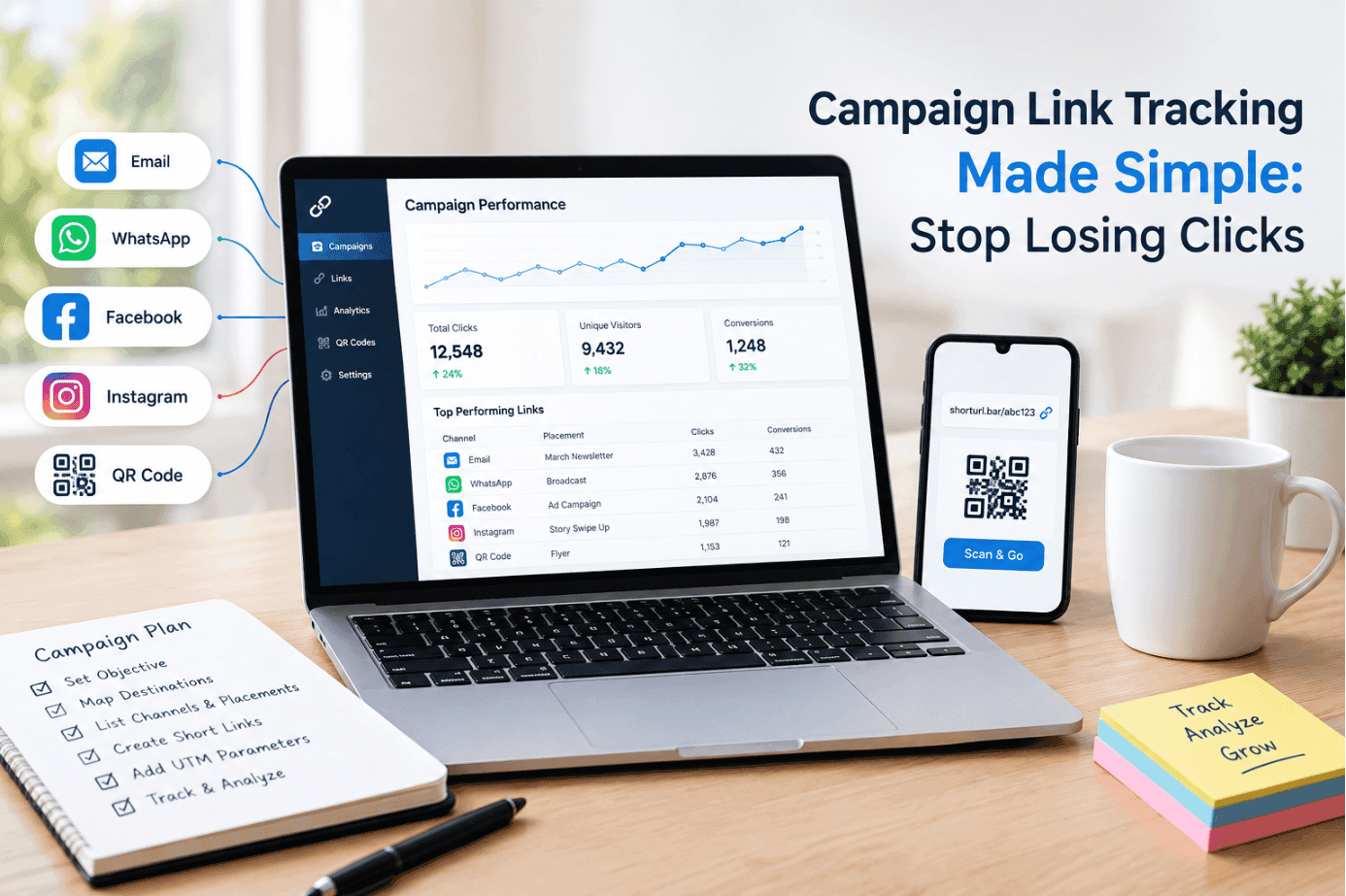
This is the core rule of campaign link tracking: one link per placement, always. A campaign running across email, WhatsApp, three social platforms, and a QR code on printed material needs at least six distinct links, not one link pasted everywhere. ShortURL's campaign link tracker is built around exactly this workflow, letting a team generate and group placement-level links under one campaign instead of tracking spreadsheets by hand.
Standardize the UTM Structure
Before anyone builds a single tagged URL, agree on the format for utm_source, utm_medium, utm_campaign, and (where relevant) utm_content. Lowercase only. Dashes instead of spaces. One agreed value per channel, so "facebook" never shows up as "FB" in one report and "facebook" in another. ShortURL's UTM tracking tool applies the tags automatically once the convention is set, which removes the manual step where most naming drift happens.
A Simple Naming Convention Example
A workable pattern looks like this: utm_source=instagram&utm_medium=social&utm_campaign=spring-launch&utm_content=story-swipeup. Every placement link follows the same four-part structure, just with different values, so a report can be filtered by any one dimension without extra cleanup.
Assign an Owner to Every Link
Every placement link needs one person responsible for it, not "the marketing team" as a group. When a link breaks, redirects wrong, or needs updating mid-campaign, someone has to own the fix. Ownership is the part of campaign link tracking that gets skipped most often, mostly because it feels like admin work instead of strategy.
QA Every Link Before Launch
Click every single link before the campaign goes live. Confirm the destination is correct, the UTM tags are attached, and the redirect actually works on mobile. A dead or mistagged link found on day three of a campaign has already cost three days of clean data, which is three days no campaign link tracking plan can get back.
Define What Gets Reported, Not Just What Gets Counted
Decide upfront which metrics matter: clicks, click-through rate by placement, device split, or downstream conversions pulled from analytics. According to a 2026 attribution data roundup citing independent platform analysis, Google and Meta dashboards often over-report conversions somewhere between 120% and 160% of independently verified totals, and separate data in the same roundup found that 63% of marketers still can't prove marketing ROI from their reporting. That's the cost of skipping the plan: a report that looks confident and isn't. A plan that leans only on platform-reported numbers can quietly overstate what actually worked. Pairing link-level click data with your analytics platform's conversion numbers gives a more honest picture. Google's own Analytics guidance on campaign URLs covers how these tagged links flow into acquisition reports, which is worth reviewing once your naming convention is locked.
The process, in order:
- Set the objective.
- Map destinations and placements.
- Create one link per placement.
- Standardize UTM tags.
- Assign owners.
- QA before launch.
- Define the report.
The result is a campaign where every click can be traced back to the exact spot it came from.
Building One Tracking Plan Across Five Channels
Say a single offer, a 20%-off spring promotion, is going out through email, WhatsApp, organic social, a paid ad set, and a printed QR code at a retail counter. Here's what campaign link tracking looks like once it's actually built out properly, instead of assembled on the fly.
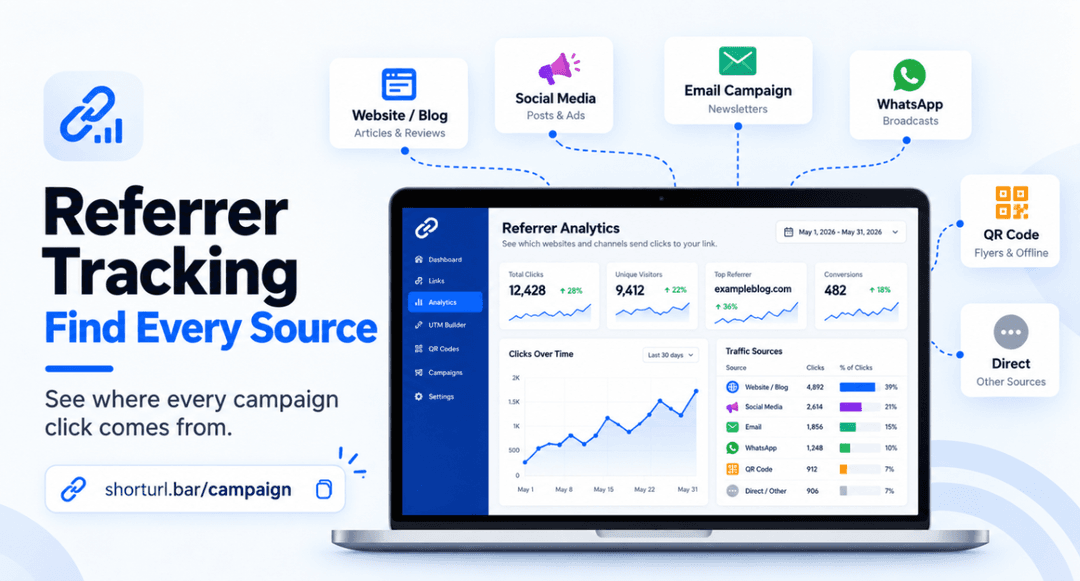
The email gets its own link with utm_source=mailchimp&utm_medium=email&utm_campaign=spring20. The WhatsApp broadcast gets a second link with utm_medium=whatsapp instead of email, because lumping WhatsApp clicks into "social" would blur two very different audiences. The organic Instagram post and the paid ad on the same platform get two separate links too, even though they live on the same app, because paid and organic traffic need to be judged on completely different terms. And the printed QR code gets its own link with utm_medium=qr-print, since that's the only way to know a flyer or in-store sign actually converted.
This is campaign link tracking working the way it's supposed to: five channels, five distinct links, one shared campaign name tying them together in the report. When the numbers come in a week later, it's immediately clear that WhatsApp outperformed email by a wide margin and the QR code barely moved, which is genuinely useful information a single shared link never would have surfaced. We've run this exact structure on our own launches and it's rarely close between placements. Something always outperforms the others by a lot, and you only find out which one if every placement has its own trackable campaign link. ShortURL's QR code tracking feeds scan data into the same dashboard as the digital links, so the print channel isn't reported separately from everything else.
Campaign URL Tracking Habits That Hold Up At Scale
- Create links in batches before launch, not during it: Set aside 30 minutes the day before to generate every placement link at once. Doing it live, channel by channel, is where naming drift creeps into campaign link tracking.
- Document the naming convention somewhere everyone can see it: A shared doc or spreadsheet with the agreed utm_source and utm_medium values stops five people from inventing five slightly different versions of "facebook."
- Assign clear ownership per channel, not per campaign: One person owns email links, another owns paid, another owns social. Ownership at the campaign level alone means nobody actually checks the individual links.
- Test every redirect on a phone, not just a desktop browser: Most campaign clicks happen on mobile, and a redirect that works fine on desktop can still misfire in an in-app browser like Instagram's.
- Define success metrics before the campaign launches, not while writing the report: Deciding what "worked" means after seeing the numbers is how teams end up cherry-picking whichever metric looks best.
Common Mistakes That Wreck Campaign Reporting
Using one link everywhere
This is the single most common mistake, and it's the one that makes the rest of this guide necessary. One link pasted into email, social, and an ad set gives a total click count and nothing else, which defeats the entire point of campaign link tracking. It happens because building separate links feels like extra work in the moment, when in reality it takes maybe ten extra minutes for a campaign that will run for weeks.
Building UTM parameters after the campaign is already live
Teams launch fast, then circle back to "add tracking later." Later is usually two or three days in, and every click before that point is gone for good. Tag the link before it ever gets shared; campaign link tracking added retroactively can't recover data that already happened.
Skipping QA on redirect testing
A mistyped destination URL, a broken shortlink, or a UTM tag with a typo doesn't announce itself. It just quietly sends people to the wrong place or shows up as untagged traffic in the report. Someone needs to click every link before it goes out, every time.
Losing track of who owns which link
Campaigns run for weeks and links need updates: a landing page changes, a promo code expires, a destination moves. Without a named owner, nobody notices until a customer complains, and that's a preventable gap in an otherwise solid campaign link tracking setup.
Reporting clicks without connecting them to outcomes
A placement that drove 2,000 clicks and zero sign-ups isn't actually a win, even though the click number looks great in a slide deck. Pair click data with the conversion event it's supposed to lead to before calling anything a success. Good campaign link tracking measures outcomes, not just traffic.
Conclusion
None of this is complicated once it's written down. Good campaign link tracking isn't about smarter people, it's about doing the planning before the launch instead of during the cleanup afterward. One link per placement, one naming convention everyone follows, one owner per channel, and QA before anything goes live. That's most of the work. The rest is just reading the report once the clicks come in.
Get Started
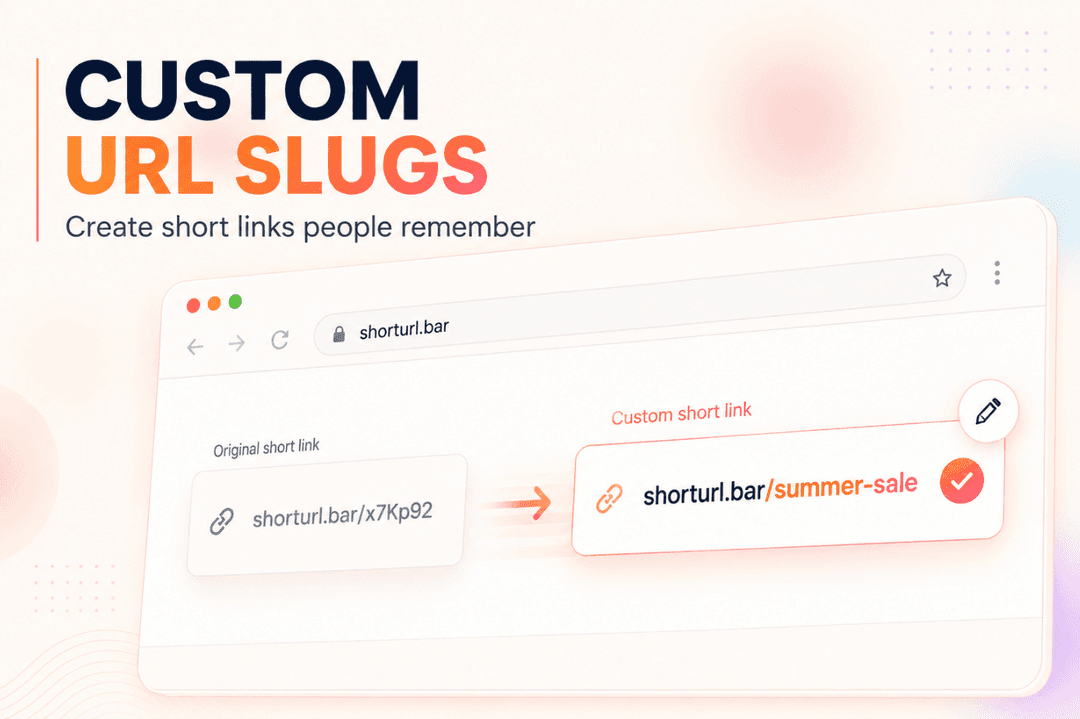
Building this plan by hand in a spreadsheet works, right up until a campaign has more than a handful of placements. At that point, ShortURL's campaign link tracker does the same job without the manual upkeep: create every placement link under one campaign, apply UTM tags automatically, and see clicks by channel in one dashboard. If your next campaign is running across email, WhatsApp, social, and print, set up the tracking plan first. We covered the email side specifically in our guide to short links for email campaigns, and the naming side in our piece on creating a custom URL slug.
Start free and organize your first campaign link plan at ShortURL.