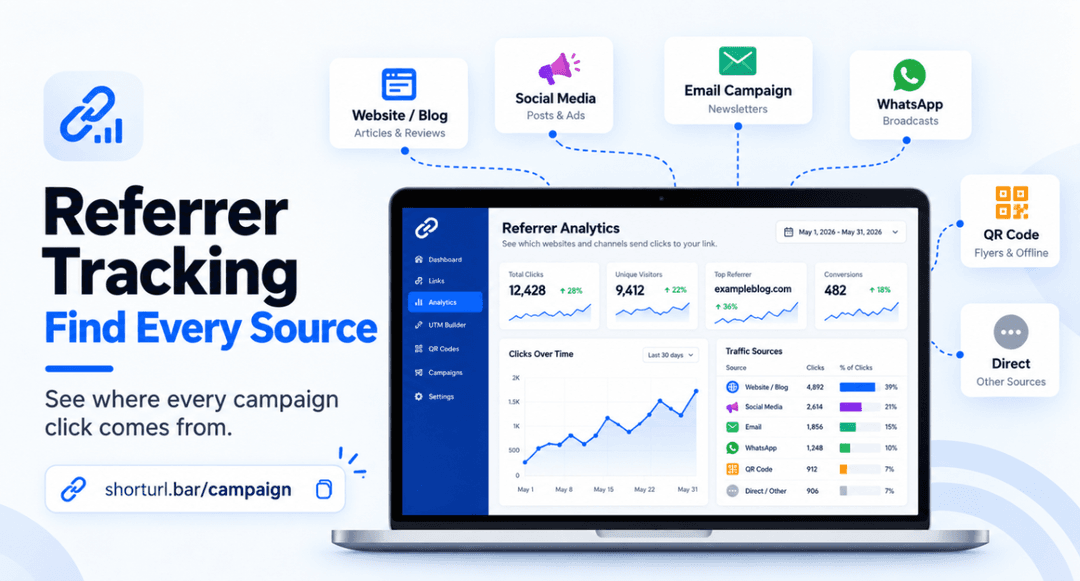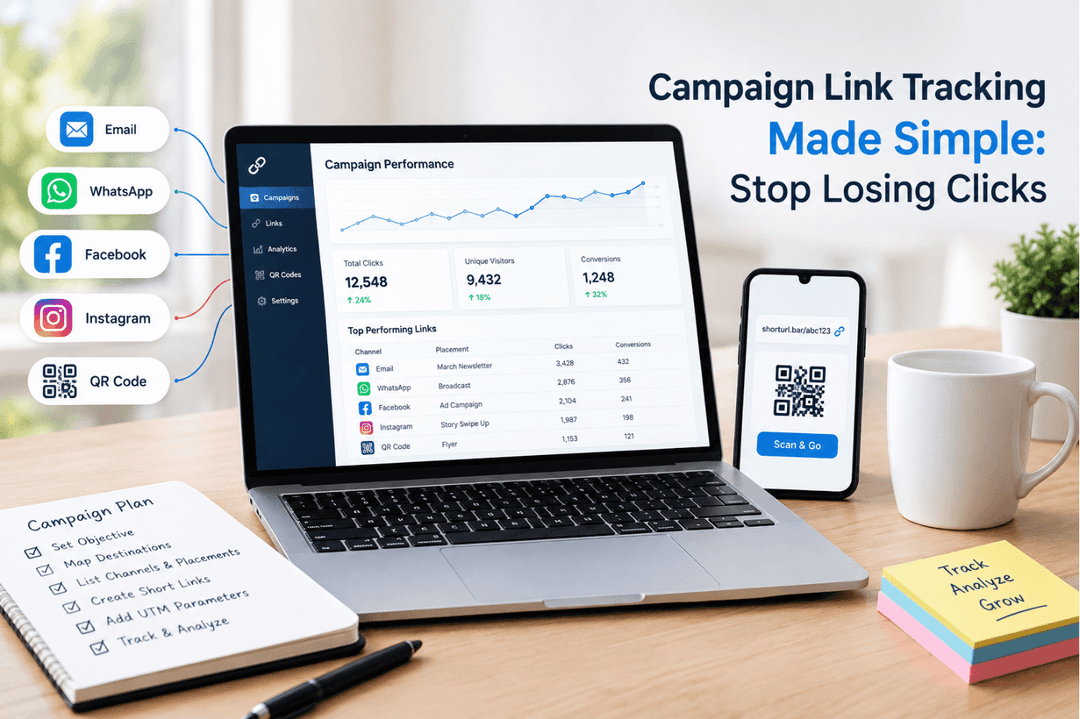
ShortURL is a link management platform for marketers that combines short links, built-in QR codes, UTM tracking, and click analytics. With ShortURL QR code tracking, every scan first opens a measurable short redirect. The dashboard can then report clicks, devices, locations, and referrers, while UTM parameters can carry campaign labels into Google Analytics.
In plain language, QR code tracking measures the visit created when someone scans a code. Give each placement its own short link and QR code, then compare the resulting traffic and, where conversion tracking is configured on the destination, the actions that followed. The code itself starts the journey; the short-link redirect and analytics make that journey visible.
If you want the product overview first, see how the ShortURL QR code generator connects each code with a trackable short link.
The Measurement Problem Behind Ordinary QR Codes
A plain QR code can open a web page, but that does not automatically create useful campaign reporting. If the same code appears on a menu, a window poster, a receipt, and a conference badge, all those visits arrive at one destination. The team sees traffic, yet the placement that caused it remains unclear.
The phrase “scan count” can also create false confidence. A redirect visit is not the same thing as a purchase, reservation, signup, or download. Useful QR code tracking keeps those stages separate: scans or redirect clicks at the top, landing-page engagement in the middle, and conversions at the end.
How QR Code Tracking Works
A short redirect turns a scan into measurable traffic
A QR code used for marketing usually contains a URL. When that URL is a ShortURL link, the scan reaches ShortURL’s redirect first and then continues to the destination page. That redirect is the measurable event behind QR code tracking. It lets the platform record campaign response without putting a long, fragile URL directly into the printed pattern.
Short links also make the encoded payload shorter and easier to manage. The destination can carry UTM parameters, but the printed code still points to a clean short URL. ShortURL’s click-tracking page confirms that its reporting includes clicks, devices, locations, and referrers.
Review the available fields on the ShortURL click analytics page before deciding which metrics belong in your campaign report.
What QR code analytics can and cannot tell you
QR code tracking analytics can answer practical questions: How many redirect visits did this code receive? Which device types dominated? Where did traffic come from geographically? Which referring context was visible? When one link is assigned to one placement, the data can also compare packaging against posters, menus against receipts, or booth signage against handouts.
But QR code tracking cannot prove a sale by itself. To connect scans with business outcomes, the destination needs conversion measurement, such as a purchase event, form submission, reservation confirmation, or coupon redemption. A good report therefore shows the funnel, not a single impressive number.
The practical measurement chain
- Create a campaign-specific destination and define the conversion you care about.
- Add consistent UTM parameters such as source, medium, and campaign.
- Shorten the tagged destination with ShortURL and generate its QR code.
- Use a separate short link and code for each physical placement.
- Test the printed code on several phones, then launch it.
- Compare redirect analytics with landing-page conversions.
The result is a QR code tracking setup that can show both campaign response and business outcome, provided the destination analytics are configured correctly.
Use UTM labels to connect scans with GA4
UTM parameters give every placement a readable campaign identity. Google recommends using utm_source, utm_medium, and utm_campaign for custom campaign URLs. For a counter card, you might use utm_source=restaurant_counter, utm_medium=qr, and utm_campaign=summer_menu. A receipt should receive a different source value.
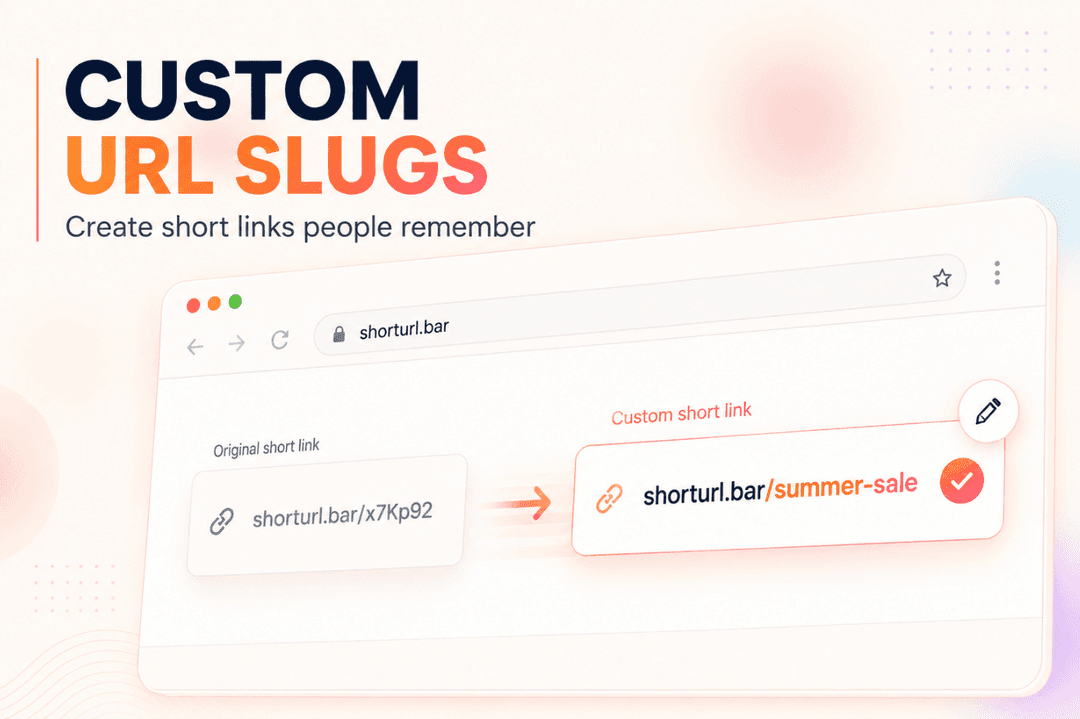
Google also notes that UTM values are case sensitive. “Summer_Menu” and “summer_menu” can split reporting into separate rows, so a lowercase naming convention matters. ShortURL’s UTM builder lets you prepare the tagged destination and keep the public link compact.
Use the ShortURL UTM link builder to create consistent campaign labels, and follow the full guide to UTM tracking with short links.
Design the printed code for reliable scanning
Measurement fails if the camera cannot read the code. DENSO WAVE, the company behind QR Code technology, explains that the smallest Version 1 symbol contains 21 × 21 modules. It also specifies a quiet zone of four modules around the symbol. Those are structural facts, not a promise that a tiny print will work in every real setting.
Viewing distance, printer quality, glare, folds, contrast, and the amount of encoded data all affect readability. DENSO WAVE generally recommends strong dark-on-light contrast and warns that some color combinations can prevent detection. For campaign work, print a sample at final size and test it under the same lighting and distance customers will face.
Practical Examples: One Campaign, Five Placements
The examples below are illustrative. They show how a team could structure QR code tracking without claiming results that ShortURL or a real customer has not verified.
| Placement | Short-link label | Primary signal | Conversion to verify |
|---|---|---|---|
| Packaging | summer-box | Scans by product batch | Product registration |
| Restaurant menu | table-menu | Scans by dining area | Order or reservation |
| Poster | station-poster | Scans by location | Offer-page signup |
| Receipt | receipt-return | Post-purchase scans | Review or repeat order |
| Event material | booth-handout | Scans by asset type | Demo request |
Packaging and receipts
Suppose a retailer puts one code on product packaging and another on the receipt. The packaging code might open setup instructions, while the receipt code requests a review or offers a loyalty reward. Separate QR code tracking shows which prompt earns attention. Conversion events then show whether visitors completed registration or submitted the review.
Menus and counter cards
A restaurant should avoid one universal code if it wants placement insight. Table tents, takeaway bags, menus, and the front counter can each use their own labeled short link. If counter traffic is high but reservations remain low, the offer or mobile landing page may need work. QR code tracking identifies where to investigate; it does not replace the investigation.
Posters and event materials
At an event, a booth banner, badge insert, presentation slide, and handout may compete for the same attention. Assigning each a separate code turns the physical environment into a clean placement test. A banner may produce the most scans while a handout produces fewer but more qualified demo requests. That distinction is why conversion data belongs beside QR code tracking.
Best Practices for Trustworthy QR Campaign Tracking
- Use one code per placement because attribution disappears when every asset shares the same redirect.
- Name links before launch because labels such as event_banner_aug26 are easier to audit than random internal notes.
- Keep the destination mobile-ready because most people scan with a phone and a poor mobile page wastes qualified interest.
- Add a plain-language call to action because “Scan to see today’s menu” gives more context than an unexplained square.
- Test the final printed proof because a code that works on a monitor may fail after resizing, lamination, folding, or low-quality printing.
- Track a conversion after the redirect because scans measure response, while completed actions measure campaign value.
- Respect privacy because QR code tracking should support campaign decisions, not unnecessary personal profiling.
For a broader link-measurement workflow, use the step-by-step short-link click tracking guide.
Common QR Code Tracking Mistakes
Reusing one QR code everywhere
This happens because one file is easy to send to every designer and printer. It also removes placement-level attribution. Create a separate QR code tracking link for every asset or location you genuinely want to compare.
Printing before testing the real destination
Teams often test the QR image but forget the full path: redirect, page load, form, confirmation, and analytics event. Test the entire journey on iOS and Android, using mobile data as well as Wi-Fi, before approving a print run.
Treating every redirect as a unique person
One person may scan more than once, and automated systems can sometimes create traffic. Report redirect clicks accurately and avoid relabeling them as people, leads, or customers unless your measurement setup supports that conclusion.
Changing UTM capitalization halfway through
Campaign naming feels minor until GA4 splits the same campaign into multiple rows. Lock a lowercase naming convention and keep a simple campaign register before links are distributed.
Optimizing scan volume without conversion context
A clever poster can earn curiosity but weak sales. Pair QR code tracking with a defined outcome so the team improves the offer and journey, not merely the number at the top of the dashboard.
Frequently Asked Questions
What is QR code tracking?
QR code tracking measures the redirect visit created when a person scans a QR code linked to a trackable short URL. It can report metrics such as clicks, device types, locations, and referrers. Conversion tracking on the destination is still needed to measure signups, purchases, or bookings.
How do I track QR code scans with ShortURL?
Create a ShortURL link for the destination, generate its built-in QR code, and use that code on one campaign placement. After launch, review the link analytics. For cleaner attribution, add UTM parameters and create a separate link for every poster, menu, package, receipt, or event asset.
Is QR code tracking free?
ShortURL says users can start free without a credit card and that free links include basic analytics. Plan details can change, so check the current pricing page before promising a feature set to a client or printing a long-running campaign.
Can I track QR code scans in Google Analytics 4?
Yes. Add UTM parameters to the destination before shortening it. GA4 can then show the tagged source, medium, and campaign in Traffic acquisition reports. ShortURL measures the redirect, while GA4 measures what happens on the destination when its tracking is configured.
What is the difference between a static QR code and a trackable QR code?
A static code often contains the final destination directly. A QR code tracking setup contains a measurable redirect URL, which can provide analytics before sending the visitor onward. The useful difference is the redirect and reporting layer, not the appearance of the square.
Why is my QR code not scanning?
The usual causes are low contrast, insufficient quiet space, tiny printing, glare, damage, distortion, an overly dense code, or a camera that is too far away. Test the final printed version under realistic conditions and confirm that the destination still loads correctly.
What size should a marketing QR code be?
There is no single safe size for every placement. Size depends on viewing distance, module count, print quality, surface, and camera conditions. DENSO WAVE describes the symbol structure and quiet-zone requirements, but marketers should validate the final artwork at actual size instead of relying on a universal minimum.
Is QR code tracking worth it for a small business?
Usually, yes, if you create distinct codes and act on the results. A restaurant can compare tables with takeaway bags, while a retailer can compare packaging with receipts. If the same code goes everywhere and no conversion is measured, the data will be far less useful.
Conclusion
Good QR code tracking does not begin with a dashboard. It begins with a clean campaign question: which placement are we testing, what action should follow the scan, and how will we know it happened? A dedicated short link for each placement answers the first question. Redirect analytics and UTM labels answer the second layer. Destination conversion tracking completes the picture.
Keep the QR code tracking system simple enough that the team will use it: clear labels, one code per placement, consistent UTMs, a tested mobile page, and a conversion that matters. That is enough to turn a printed square from a decorative shortcut into a measurable campaign asset.
Create Your First Trackable QR Code
Create a free ShortURL link, generate its QR code, and scan it once from your phone. Then open the dashboard and confirm that the visit appears. For your live campaign, duplicate the setup for each placement and label every version before it reaches the printer.
Start with the free ShortURL link creator, then generate the code and measure the first scan.